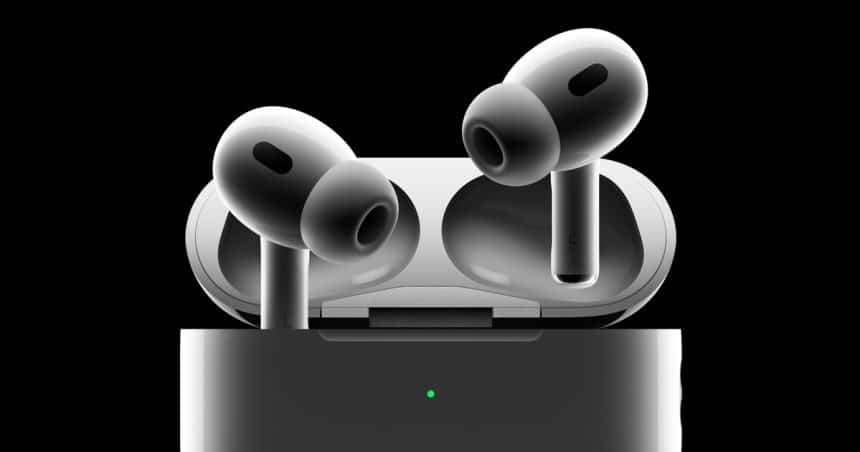
Apple has released another firmware update for its premium wireless earbuds, AirPods Pro 2 and AirPods Pro 3. The update continues Apple’s quiet but steady effort to improve performance and reliability across its audio lineup.
What’s Included in the Latest Firmware Update
The new firmware raises the AirPods Pro 3 build number to 8B30, up from 8B25. Meanwhile, AirPods Pro 2 now runs 8B28, replacing 8B21. Apple has not published detailed patch notes. However, these updates usually target bug fixes, audio stability, and connection improvements rather than major new features.
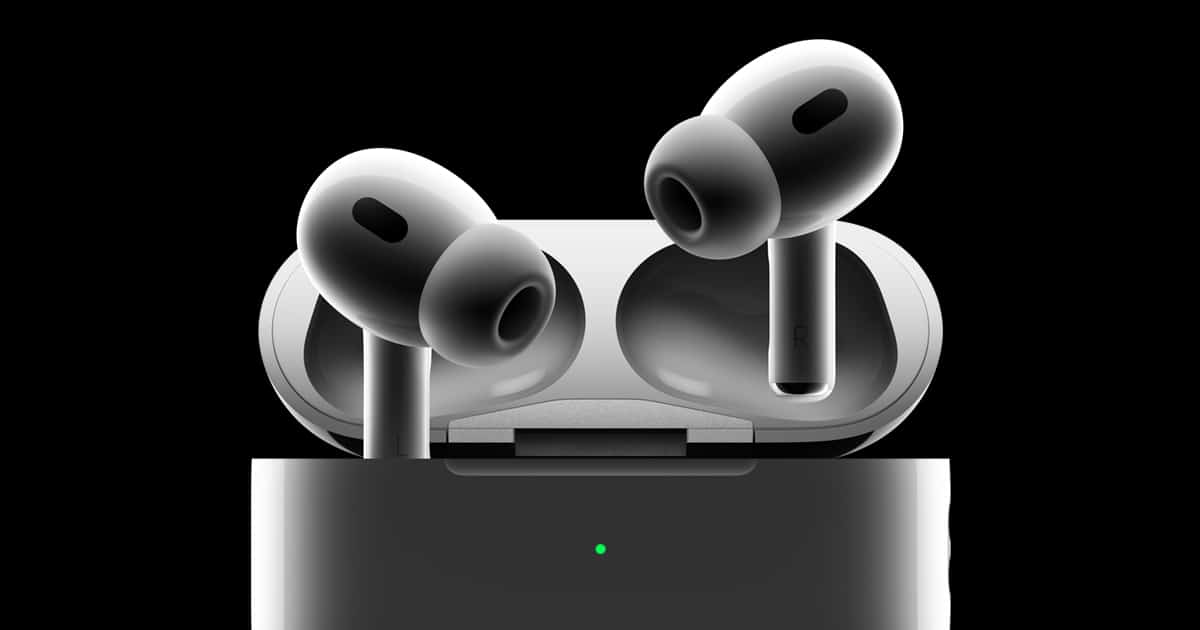
Because Apple often releases firmware updates silently, users may not notice changes right away. Still, these updates play a key role in keeping AirPods running smoothly with the latest versions of iOS, iPadOS, and macOS.
Why Apple Pushes Frequent AirPods Updates
Apple often releases AirPods firmware ahead of major operating system updates. This approach helps ensure accessories stay compatible with upcoming system changes. As a result, users experience fewer glitches after updating their devices.
In addition, Apple regularly fine-tunes Bluetooth performance. That effort improves pairing speed, reduces dropouts, and enhances call quality. Over time, these small improvements add up to a more stable listening experience.
How the Update Installs Automatically
Unlike iPhone or Mac updates, AirPods firmware installs in the background. Users cannot manually trigger the process. Instead, Apple applies the update automatically when certain conditions are met.
To ensure the update installs, users should place their AirPods in the charging case. Next, connect the case to power. Then, leave it near a paired iPhone, iPad, or Mac for at least 30 minutes. During this time, the firmware installs without alerts or prompts.
How to Check Your AirPods Firmware Version
Users can confirm the update by opening Settings, selecting Bluetooth, and tapping the connected AirPods. The firmware version appears within the device information screen. This quick check helps confirm whether the latest software is active.
What Users Should Expect Next
While this update does not introduce visible new features, it reinforces Apple’s long-term focus on reliability. As Apple prepares future software releases, AirPods Pro users can expect continued maintenance updates that keep performance strong and connections stable.