Hardware foundations: Apple silicon, the Neural Engine, and reliability
Apple’s approach to artificial intelligence is built on tightly integrated hardware and software. Across iPhone, iPad, and Mac, Apple uses dedicated on-chip blocks (notably the Neural Engine inside Apple silicon) to run many AI and machine learning tasks locally with strong energy efficiency.
Because so much AI performance depends on the hardware path between CPU, GPU, Neural Engine, and unified memory, device condition matters. If your workflow depends on consistent on-device AI performance, using a top MacBook repair service for battery, thermal, keyboard, or logic-board issues can help preserve the sustained performance that modern AI features increasingly rely on.
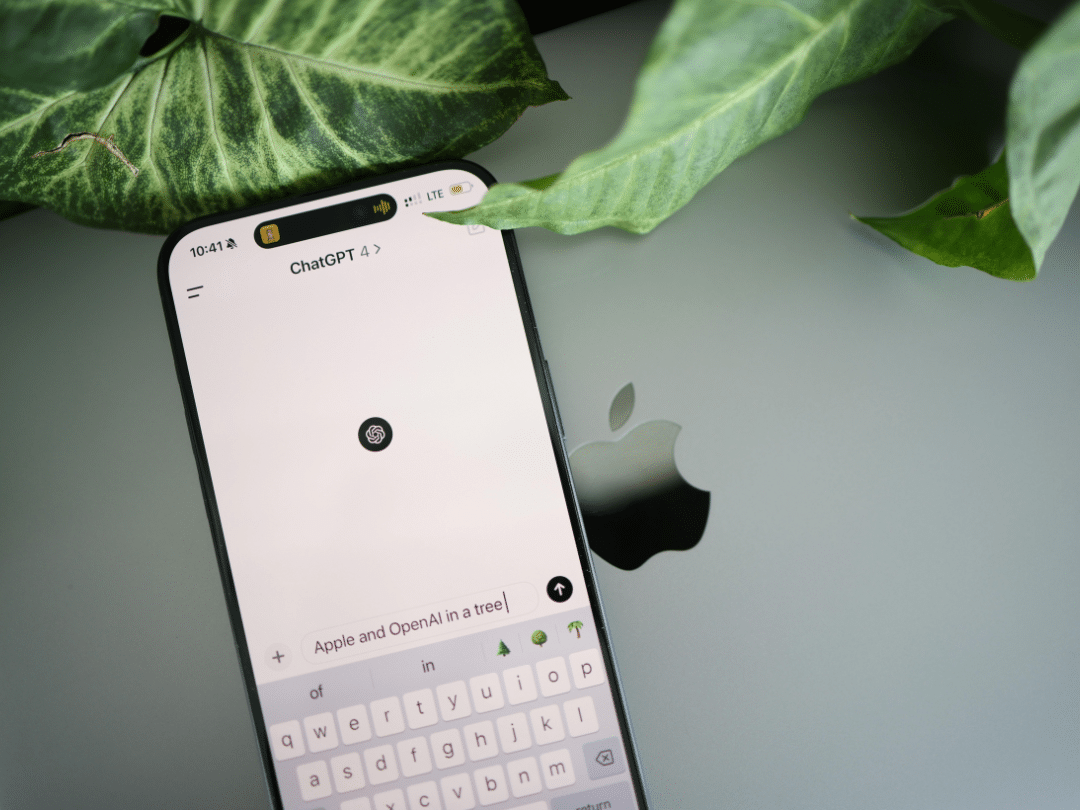
On-device AI first, with Private Cloud Compute for heavier requests
A major theme in Apple’s AI design is “do it on device when possible.” Apple states that Apple Intelligence is centred on on-device processing, and for more complex requests, it can use Private Cloud Compute, extending privacy and security into the cloud using Apple silicon-based servers, with data not stored and independent researchers able to verify the privacy promise.
Practical approach for users in the USA and Canada:
- Prefer on-device features when available for faster responses and reduced dependency on connectivity.
- Treat cloud-assisted features as “burst capacity” for complex tasks, with the understanding that Apple positions Private Cloud Compute as privacy-preserving by design.
- In managed environments (schools, healthcare, finance), align usage with internal policy and device management controls, especially when content could be sensitive.
iOS and iPadOS: where AI shows up in daily workflows
On iPhone and iPad, AI is most visible when it reduces friction in common tasks, like understanding content, generating suggestions, or enhancing photos and audio. While individual features evolve by release, the underlying pattern is consistent: the OS provides system frameworks that apps can call, and Apple silicon executes many of those workloads efficiently on the device.
Practical approach:
- For mobile-first teams (field sales, inspections, healthcare), standardize on supported devices so on-device inference is consistent across staff.
- Test real workflows, not benchmarks. Measure time-to-complete tasks like document capture, transcription, and search rather than focusing only on raw model speed.
macOS: AI as a platform for pro apps and local development

On Mac, the “AI story” includes both end-user features and the developer platform. macOS is where many creators and engineers train, fine-tune, convert, and deploy models that later ship into iOS apps or run locally on Macs.
For developers and technically inclined users, Apple’s stack is designed to make local inference straightforward:
- Core ML is Apple’s framework for integrating ML models into apps, with a unified model representation and APIs designed for on-device prediction and even training or fine-tuning on a person’s device.
- Metal Performance Shaders (MPS) supports high-performance compute, including running neural networks for training and inference, and is used broadly in GPU-accelerated workflows.
- For PyTorch users, Apple documents GPU acceleration through the MPS backend to run operations on Mac.
Practical approach:
- If you ship apps across iOS and macOS, treat Core ML as the common deployment layer. Use it to manage model packaging, on-device execution, and performance profiling.
- When you need GPU-heavy experimentation on Mac, test with the MPS backend early so you can catch unsupported ops or performance cliffs before production.
The “three-layer” ecosystem: OS frameworks, developer tools, and silicon
Apple’s integration advantage is the end-to-end design across:
- OS-level capabilities: system services and frameworks that standardize how apps request AI-powered functionality.
- Developer-facing ML tools: Core ML APIs, Xcode performance reporting, and conversion tooling that help teams move from research models to production deployment.
- Hardware acceleration: Apple silicon with dedicated AI compute blocks, including a Neural Engine, plus CPU and GPU paths designed for modern ML workloads.
This matters because model performance is not only about the “model.” It is about memory bandwidth, power limits, thermal headroom, and where operations are executed (CPU vs GPU vs Neural Engine). Apple’s newer silicon generations emphasize AI performance improvements, with Apple highlighting a faster Neural Engine and additional “Neural Accelerators” in CPU and GPU design for the M5 generation.
Practical approach for buyers in the USA and Canada:
- If you rely on local AI workflows (transcription, image processing, coding assistants, search), prioritize newer Apple silicon Macs where the Neural Engine and related accelerators have improved.
- If your workflow is mostly cloud-based, prioritize memory and storage capacity for smoother multitasking and local caching rather than chasing peak neural throughput.
What this means for privacy, compliance, and enterprise rollout
AI features can touch personal and business data. Apple’s positioning is that many requests are handled with on-device processing, and Private Cloud Compute is designed to extend Apple’s privacy and security model for more complex tasks.
Practical approach for organizations:
- Create a simple data classification guide: what content is safe to use with AI assistance, and what content is restricted.
- For regulated industries in the USA and Canada, build “allowed use cases” first (writing assistance for public-facing text, summarizing non-sensitive materials) before expanding to higher-risk scenarios.
A practical checklist for users and developers
Users:
- Keep OS and app updates current to benefit from performance, security, and capability improvements.
- Prefer supported devices for consistent on-device AI performance, especially if you use AI daily.
- Monitor battery health and thermals since sustained AI workloads can expose hardware limits.
Developers:
- Start with Core ML for on-device deployment and treat it as your portability layer across Apple platforms.
- Profile early using Xcode’s ML performance tooling and iterate on model size, precision, and architecture to hit latency and battery targets.
- Use Metal and MPS where you need high-performance GPU execution, and validate with real workloads, not synthetic demos.
Apple integrates AI across iOS, macOS, and Apple silicon by combining on-device processing with tightly optimized frameworks, delivering fast, consistent features with strong privacy. In the USA and Canada, this means AI tools that work reliably across iPhone, iPad, and Mac, often without depending on the cloud. For developers, Core ML and Metal provide a clear path from building models to shipping efficient on-device experiences.