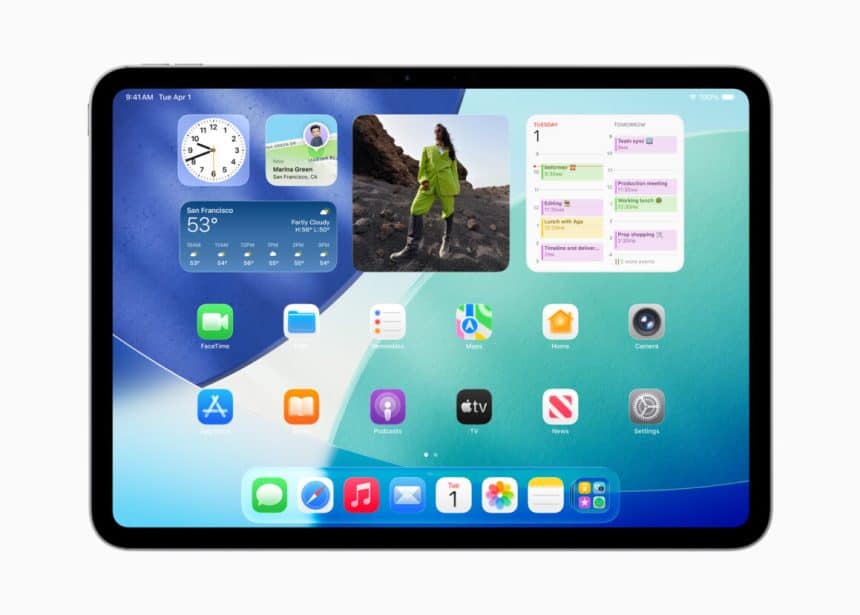
Apple has officially released iPadOS 26.2, bringing a set of focused improvements that aim to make the iPad more productive and secure for everyday users. While the update does not overhaul the system, it refines key features that many iPad owners rely on daily.
Improved Split View and Slide Over Experience
First, Apple has strengthened multitasking. The Slide Over feature, which returned in iPadOS 26.1, now feels smoother and faster. Users can once again drag and drop apps directly into Slide Over, restoring a workflow many missed. As a result, switching between apps feels more natural, especially when multitasking across messages, notes, and media.
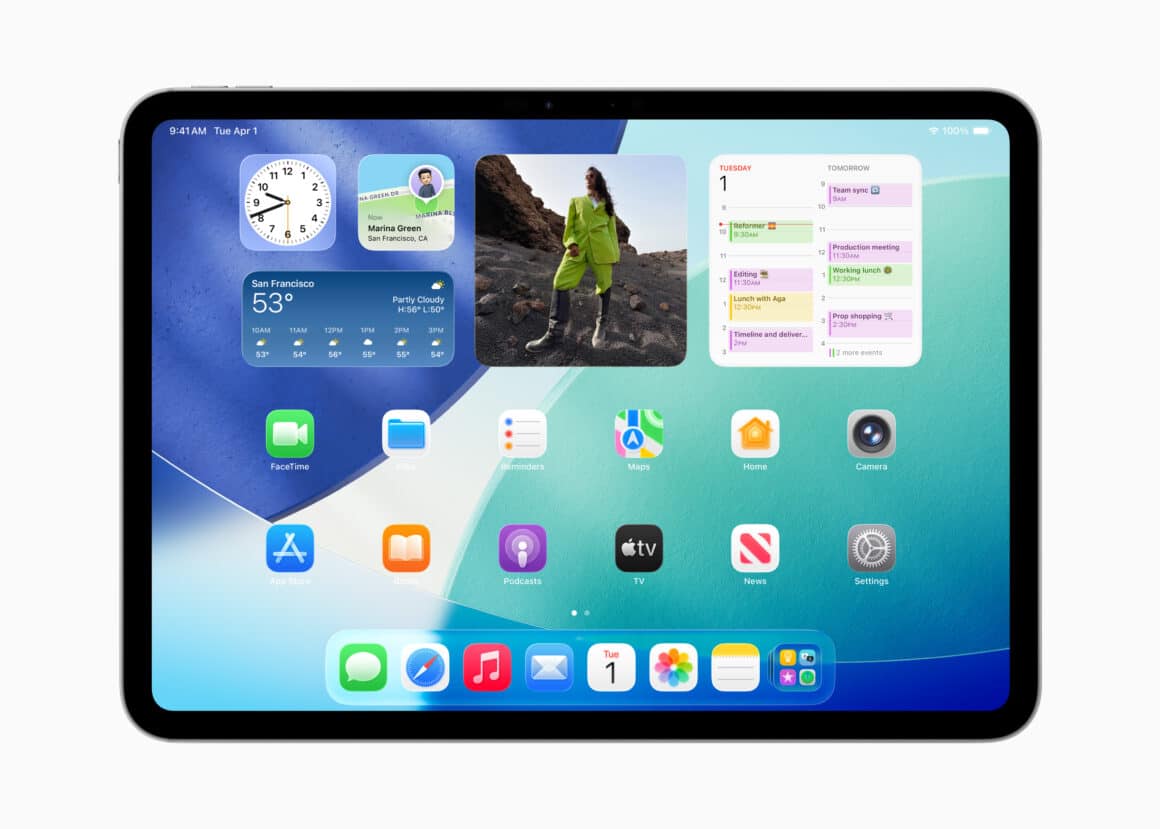
Meanwhile, Split View also benefits from subtle refinements. Together, these changes help users manage multiple apps with fewer taps and less friction, which is especially useful for students and professionals.
New AirDrop Codes Add Privacy
Next, Apple has introduced AirDrop codes, a privacy-focused way to share files. Instead of opening AirDrop to everyone nearby, users can generate a one-time code. They then share that code with another person to allow file transfers. Importantly, this method avoids exposing the device to unsolicited requests and removes the need to add new contacts.
Additionally, the access automatically expires after 30 days, which adds another layer of security. This feature appears under Settings > General > AirDrop, making it easy to find and use.
Polished Interface and Smarter Apps
Beyond multitasking and sharing, iPadOS 26.2 brings refinements across the system. Apple has adjusted Liquid Glass animations, making some transitions feel bouncier and more responsive. Users can also fine-tune lock screen clock transparency with a new slider.
Moreover, built-in apps receive useful upgrades. Reminders now allows urgent tasks to trigger alarms automatically. Podcasts gains auto-generated chapters and easier discovery of related shows. Meanwhile, the Games app adds better filtering, live score tracking for multiplayer games, and full controller navigation.
How to Get the Update
Finally, users can install iPadOS 26.2 by opening Settings > General > Software Update. Those with automatic updates enabled may already have it installed.
Overall, iPadOS 26.2 focuses on thoughtful improvements rather than flashy changes. By refining multitasking, boosting privacy, and polishing core apps, Apple continues to make the iPad a more capable everyday device.