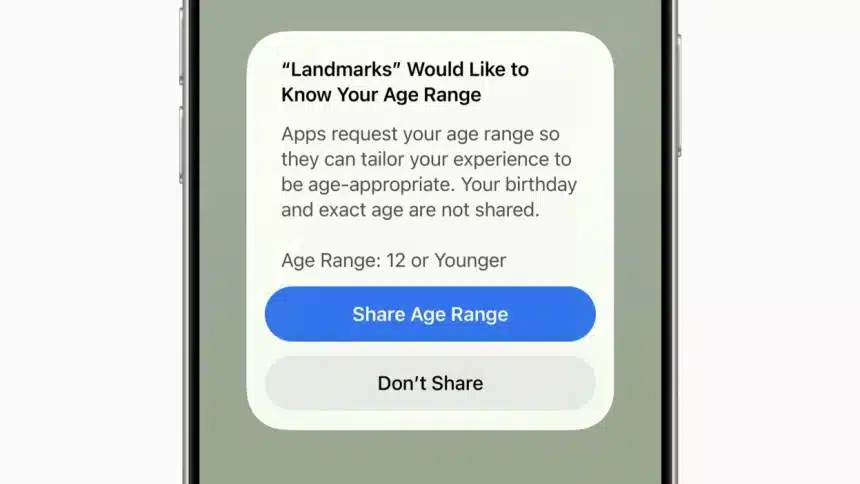
Apple has taken a major step to help families manage screen time and online safety with iOS 26 and iPadOS 26. The update simplifies parental controls while adding stronger protections for children and teens. As a result, parents can now set limits faster and with greater confidence.
At the center of the update is an improved Child Account system. Apple designed it to reduce setup time while ensuring age-appropriate digital experiences from the start. Once activated, several safety features turn on automatically, giving parents immediate peace of mind.
Easier Child Account Setup
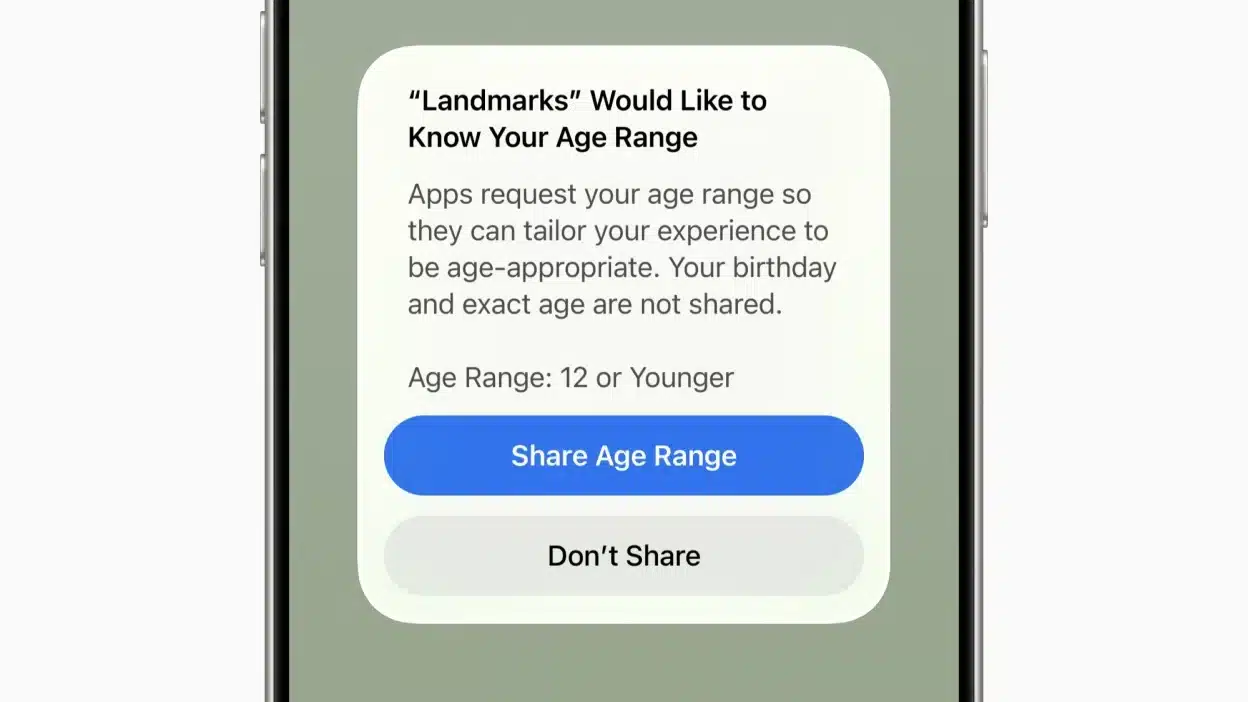
Creating a Child Account in iOS 26 now takes only a few steps. Parents can complete the process on an iPhone, iPad, or Mac through Family Sharing. During setup, Apple asks for a child’s age, which then guides content limits across apps, media, and the App Store.
In addition, Apple now uses more detailed age ratings, including 13+, 16+, and 18+. Because of this change, children see only content that fits their age group. Meanwhile, teens aged 13 to 17 receive added safeguards designed to reduce exposure to harmful material.
More Control Over Screen Time and Apps
Screen Time also received meaningful updates. Parents can schedule downtime, limit app usage, and decide which apps always remain available. For example, phone access stays on, but parents can restrict who a child may contact.
Apple also allows parents to turn off built-in features such as FaceTime, Camera, or Wallet. Furthermore, parents can block App Store purchases to avoid unexpected charges. These settings help families balance freedom with responsibility.
Stronger Content and Communication Limits
Another key upgrade focuses on communication safety. Parents can now approve new contacts remotely, which helps prevent unwanted interactions. Additionally, content filters now apply across music, movies, books, websites, and games.
Parents may also limit Game Center features or restrict access to explicit content online. Apple even allows families to block or approve specific websites for safer browsing.
A Clear Step Forward
Overall, iOS 26 makes parental controls clearer, faster, and more effective. By combining automation with customization, Apple gives parents better tools to protect children while supporting healthy digital habits.