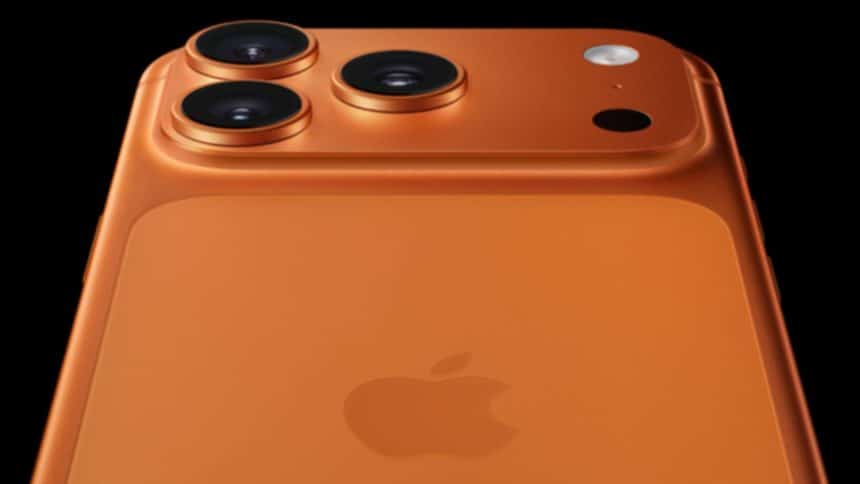
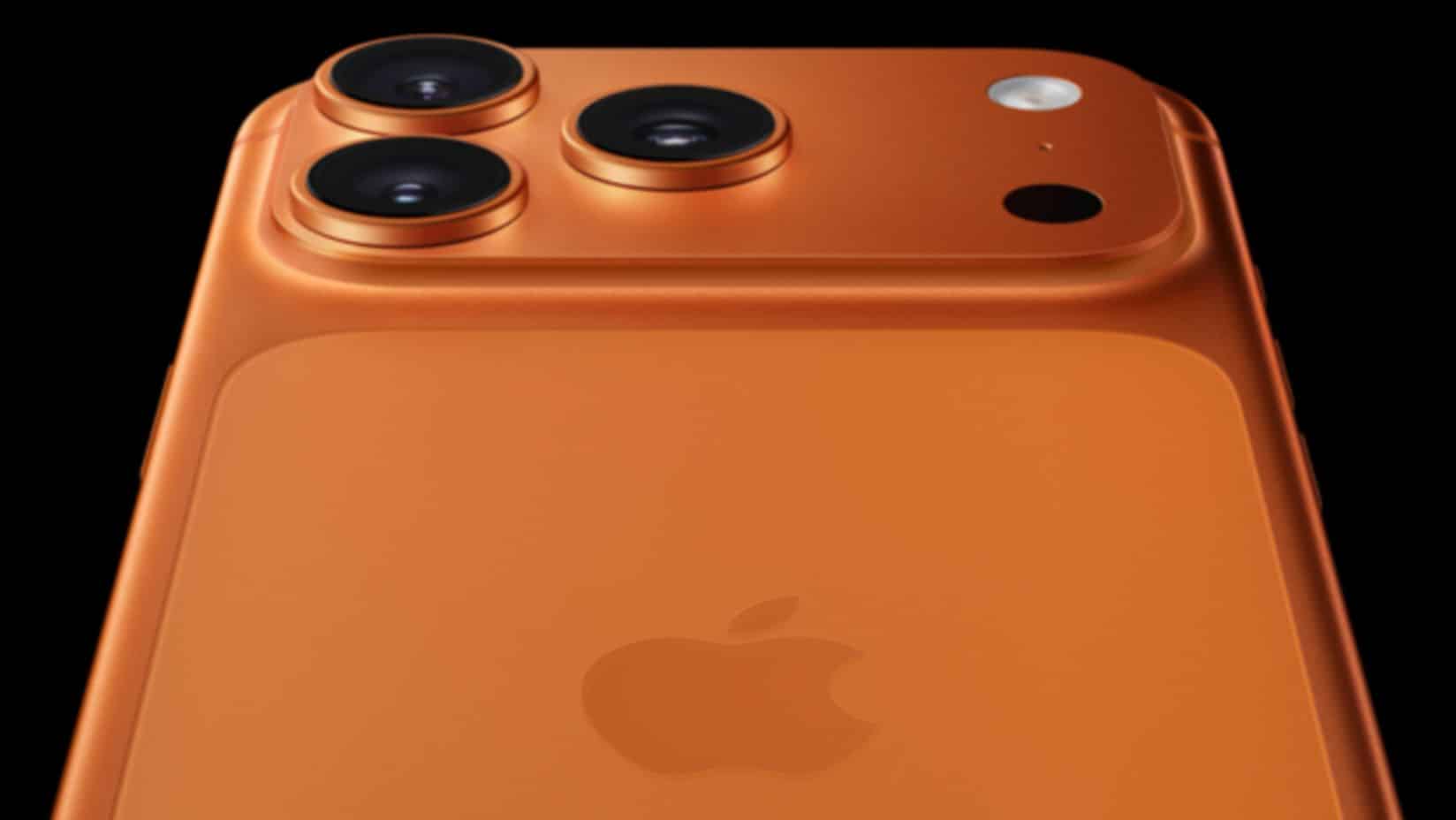
Many people received a new iPhone 17 during the holiday season. Apple released the iPhone 17 lineup in September, including the iPhone 17, iPhone 17 Pro, Pro Max, and the lighter iPhone Air. As a result, new users are now exploring what these devices can do.
Whether upgrading from an older model or switching for the first time, the iPhone 17 offers tools that may feel unfamiliar at first. However, with a few simple steps, users can unlock its full potential.
Understanding the Dynamic Island
First, the Dynamic Island remains a central feature across all models. It shows live activities like music playback, navigation, and sports scores. Users can tap or swipe it to expand controls without opening apps. This design helps reduce screen clutter while keeping important information visible.
Camera Features Worth Exploring
Next, the iPhone 17 camera system brings smarter controls. Users can adjust focus, exposure, and zoom directly through the Camera Control interface. Additionally, the front camera supports improved Center Stage. This feature keeps faces centered during video calls, even when people move.
Moreover, users can turn off auto-zoom and auto-rotation if they prefer manual control. These settings help creators and casual users alike get consistent shots.
Action Button Adds More Control
Another highlight is the customizable Action Button. Instead of serving a single function, it can launch shortcuts, open the camera, enable accessibility tools, or start voice recordings. Therefore, users can tailor the button to match daily habits.
iOS 26 Enhances the Experience
Meanwhile, iOS 26 introduces visual and functional upgrades. The Lock Screen now offers deeper customization. App icons can match phone colors or cases, and new ringtones add a fresh feel. At the same time, system menus focus on clarity and ease of use.
A Phone Built for Everyday Use
Overall, the iPhone 17 lineup focuses on practical improvements rather than drastic changes. Each feature aims to save time and reduce effort. As users spend more time with the device, these small enhancements can make a big difference.