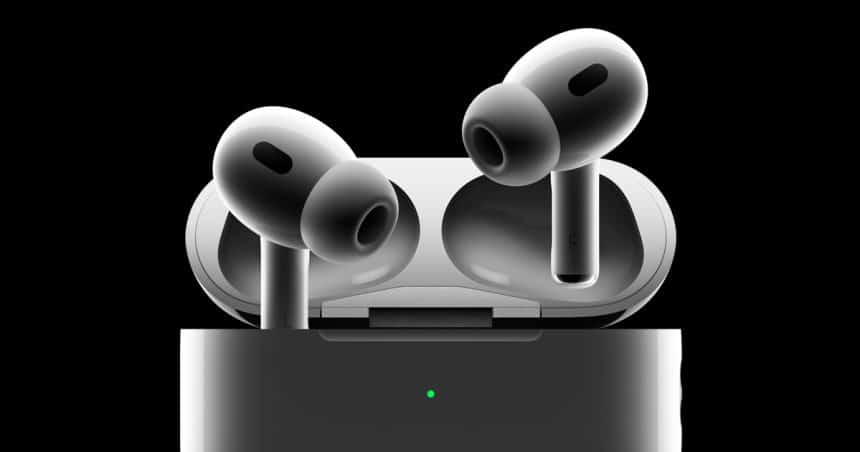
Apple has rolled out a new firmware update for its AirPods Pro 3, continuing its steady pace of behind-the-scenes improvements. The update arrived on Tuesday, shortly after Apple released the second developer beta of iOS 26.3. While Apple has not shared detailed release notes, the update raises the firmware build number from 8B30 to 8B34, signaling incremental progress rather than a major feature drop.
What’s New in Firmware Version 8B34
Although Apple remains silent on specific changes, industry watchers expect the update to focus on bug fixes and quality-of-life improvements. Typically, these updates aim to refine connection stability, improve audio reliability, and enhance overall performance. In other words, users may not notice dramatic changes, but they should experience smoother daily use over time.
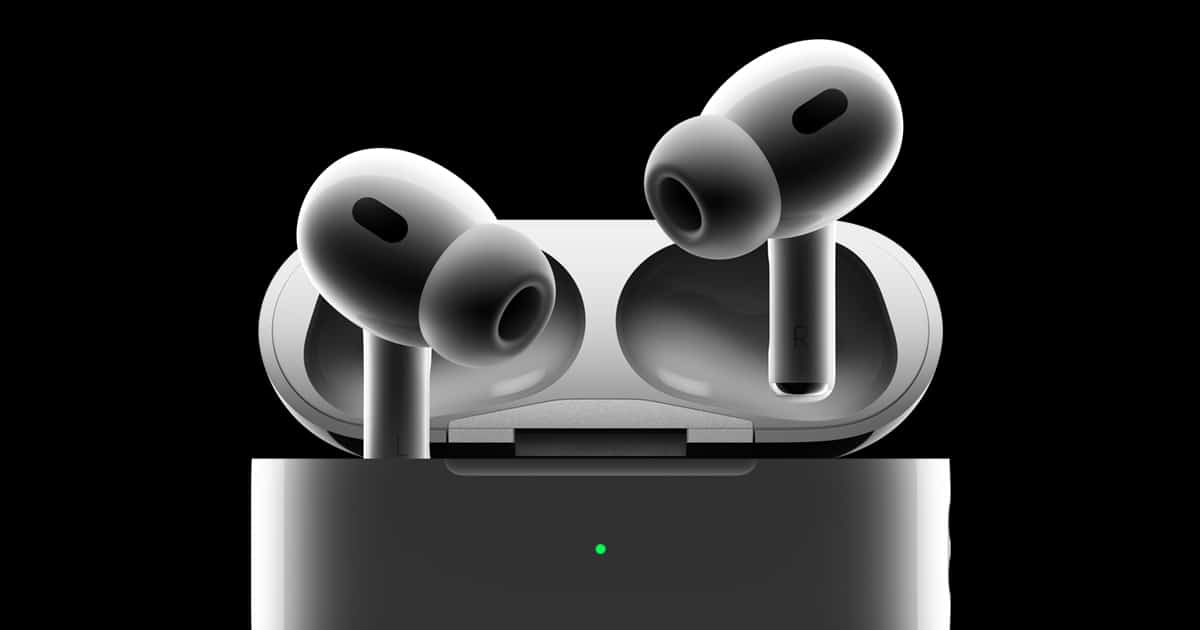
Notably, this update applies only to AirPods Pro 3. Apple confirmed it will not roll out to AirPods Max or older, non-H2 audio devices. That exclusivity highlights Apple’s continued focus on optimizing software for its latest hardware lineup.
AirPods Pro 3: A Quick Recap
Apple introduced AirPods Pro 3 in September 2025, bringing several meaningful upgrades. These include improved Active Noise Cancellation, new foam-infused ear tips for better comfort, and built-in heart rate sensing. Since launch, Apple has issued multiple firmware updates, suggesting active long-term support for the product.
How the Update Installs Automatically
Like previous AirPods updates, firmware version 8B34 installs automatically. Users do not need to press a button or download anything manually. Instead, the update applies when the AirPods sit inside their charging case and connect to an iPhone or iPad nearby. Because Apple offers no manual install option, users must rely on this background process to stay up to date.
Checking Your Firmware Version
If you want to confirm the update, the process remains simple. Open Settings, tap General, then About, and select your AirPods. A device menu will display the current firmware version, making it easy to verify whether 8B34 is installed.
Why These Quiet Updates Still Matter
While the update lacks headline features, it plays a key role in keeping AirPods Pro 3 reliable. Over time, these silent refinements help ensure consistent performance, fewer bugs, and a better listening experience—exactly what Apple aims to deliver.