The loss of precious photos or vital contacts can be quite scary. Modern iPhones use high security to protect your files from any outside access. This makes it hard for simple tools to get your lost data back. Alongside that, you might feel stuck if your latest backup is old or missing.
That’s where Dr.Fone data recovery software comes in, providing clear guidance for restoring important files. It works best when you need a simple path to recover your memories. In this article, we will explain what official recovery tools can do and how software helps users recover data.
Part 1. Common iPhone Data Loss Scenarios That Lead Users to Recovery Tools
Many people face sudden data loss because of a few very common mistakes. From deleted photos to failed updates, several issues can cause unexpected data problems. That’s why users turn to iPhone data restore software for help in complicated recovery situations. Still, let’s look at the common reasons people start using such tools:
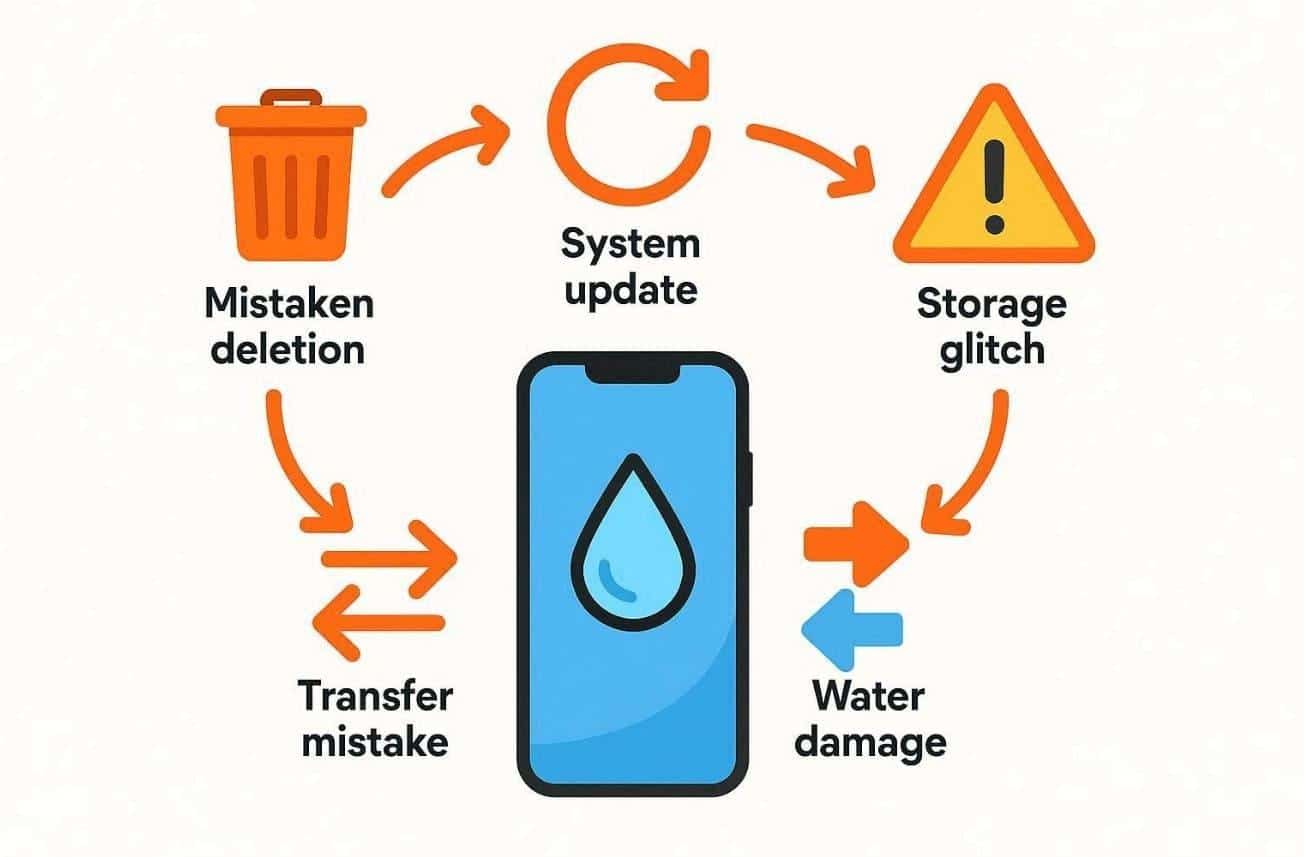
- Deleted by Mistake: Sometimes users erase files by mistake while managing storage. So, losing them feels frustrating and often pushes users to find recovery options.
- System Update: Failed updates can interrupt system files and cause partial data loss. Many users face this issue during major iOS transitions or unstable beta versions.
- Storage Glitch: Internal storage errors can appear after updates or due to long device usage. When files disappear, users need recovery tools for quick access restoration.
- Transfer Mistake: Problems occur while moving data between iPhones during device replacement. Interrupted transfers or unstable connections can also cause missing data situations.
- Water Damage: Spilling a drink on your phone can cause a very short circuit inside. This often makes the screen stay dark while your files remain stuck there.
Part 2. Apple’s Built-In iPhone Recovery: What It Can and Can’t Restore
Apple provides official tools to help you get your missing files back. Knowing how to recover deleted photos from iPhone using these methods is vital. These free options work well if you have a very recent backup saved. However, they have specific rules that might make the process quite difficult now. Thus, the following table compares what these official Apple tools can and cannot do:
| Recovery Method | What It Can Restore | What It Cannot Do |
|---|---|---|
| iCloud Backup | Complete device settings and app data are stored in the cloud. | Individual files cannot be restored, and a full device reset is required. |
| Finder / iTunes | A full local snapshot of the phone is stored on a computer. | Files created after the last backup are not included. |
| Recently Deleted | Photos and videos removed within the last 30 days. | Messages or files deleted more than 30 days ago remain unrecoverable. |
| iCloud Syncing | Synced items such as notes and contacts across Apple devices. | Data deleted from all devices at once cannot be recovered. |
Part 3. What Most iPhone Data Recovery Software Really Recovers
When official backups fail, many users look for a different way to find files. Yet, using tools like Dr.Fone data recovery software offers a much more detailed look at your device. This specialized tool can often find data that regular Apple services might miss. It is important to know exactly which files these tools can actually find. Let us explore the specific data types that these professional programs can restore:
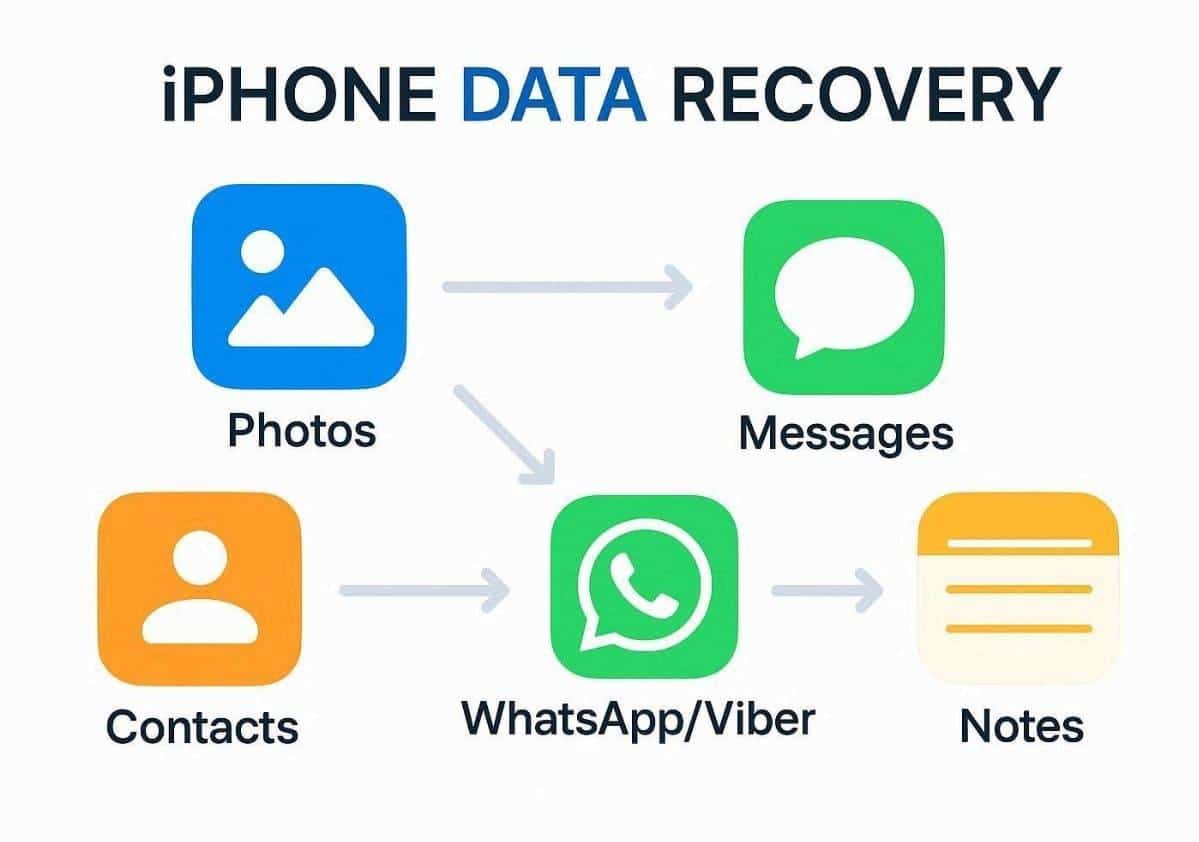
- Photo Recovery: Photos return if traces remain in local or cloud (iCloud) storage. So, recovery tools scan these areas and rebuild thumbnails into complete image files.
- Message Restore: Deleted SMS or iMessages can reappear through residual system traces. Tools read old cache areas to extract conversations stored before the system overwrites.
- Contact Return: Lost contacts also come back if they are still linked to synced backups. The software gathers address book data from saved local or iCloud files.
- Social Apps: Data from apps like WhatsApp or Viber can be recovered very easily. You can also restore your chat history along with shared photos from these apps.
- Notes Retrieval: Many users restore deleted notes from partial device or iCloud cache records. Software tools collect invisible data and convert it into readable text again.
Part 4. Dr.Fone Review: User Experience and Recovery Strengths
Losing important iPhone files can create real stress, especially without recent backups. That’s why reliable tools like Dr.Fone Data Recovery Software are essential for practical recovery. It recovers lost files without overwriting or risking existing information on your device. Besides, users can begin with a free scan to instantly preview what can be restored. This iPhone data restore software retrieves 35+ deleted data, like photos and messages.
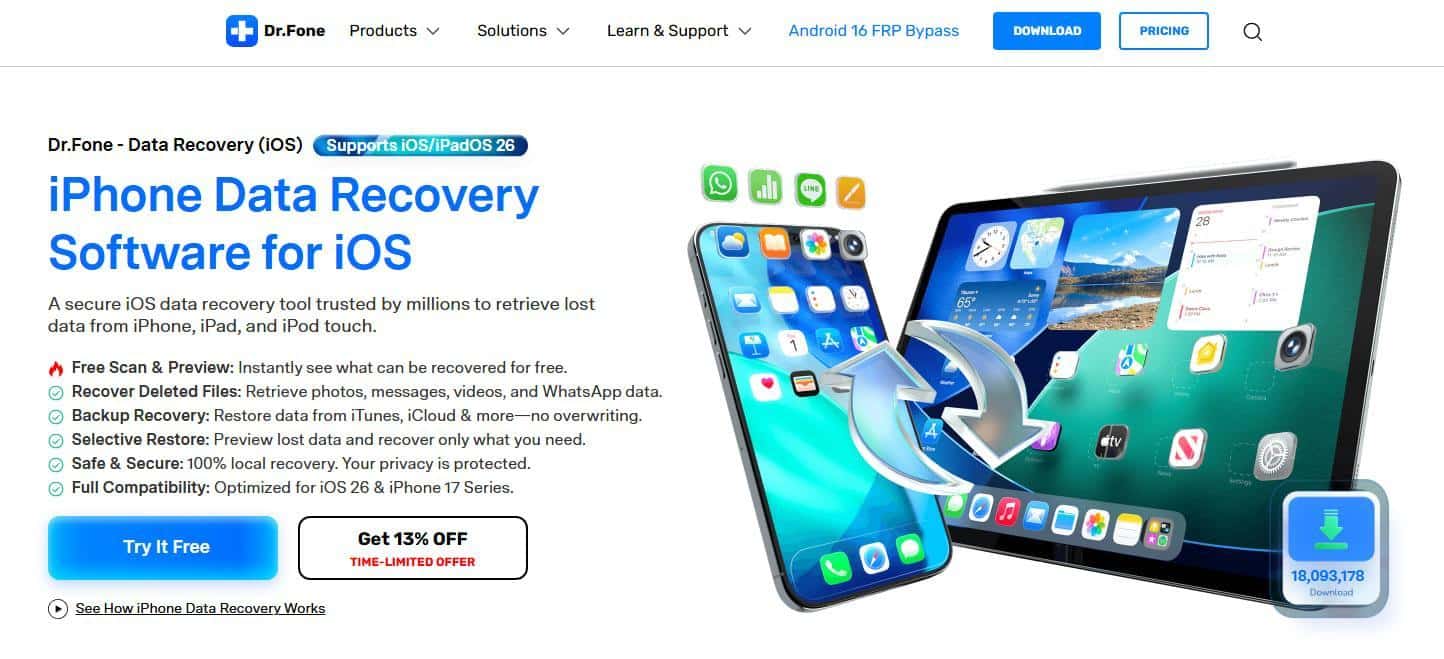
You can recover deleted WhatsApp media along with “View Once” photos and video files. Alongside, Dr.Fone helps you restore Apple iWork documents from your iCloud Drive. It also restores backup data from iTunes or iCloud without needing a complete device reset. With selective recovery, users can even choose which items they want instead of restoring everything.
Key Features
- Privacy Guard: Keep your personal data safe by processing everything on your local computer.
- Wide Compatibility: Use this tool with the newest iPhone 17 series and the latest iOS 26 versions.
- App Data: Recover chats and media from apps like Viber, WhatsApp Business, and Kik.
Guide to Using Dr.Fone for Restoring Deleted iPhone Data
Learning the best way to handle your device ensures a very smooth recovery. You will discover how to recover deleted photos from an iPhone using this simple tool. Thus, go through the clear steps given below to start finding your lost files right now:
Step 1. Launch Dr.Fone’s iOS Data Recovery
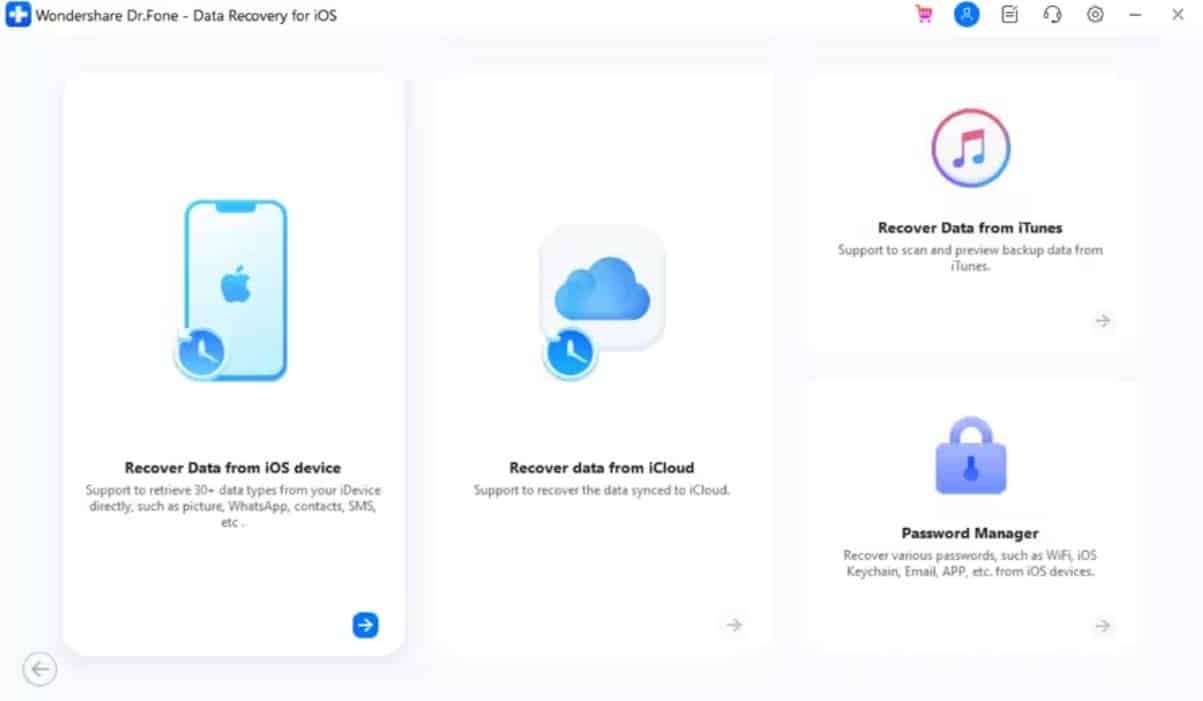
Upon going to the “Toolbox” tab, you need to select “Data Recovery” for “iOS.” Connect your iPhone and click the “Recover Data from iOS Device” feature.
Step 2. Choose iPhone Data Types to Scan
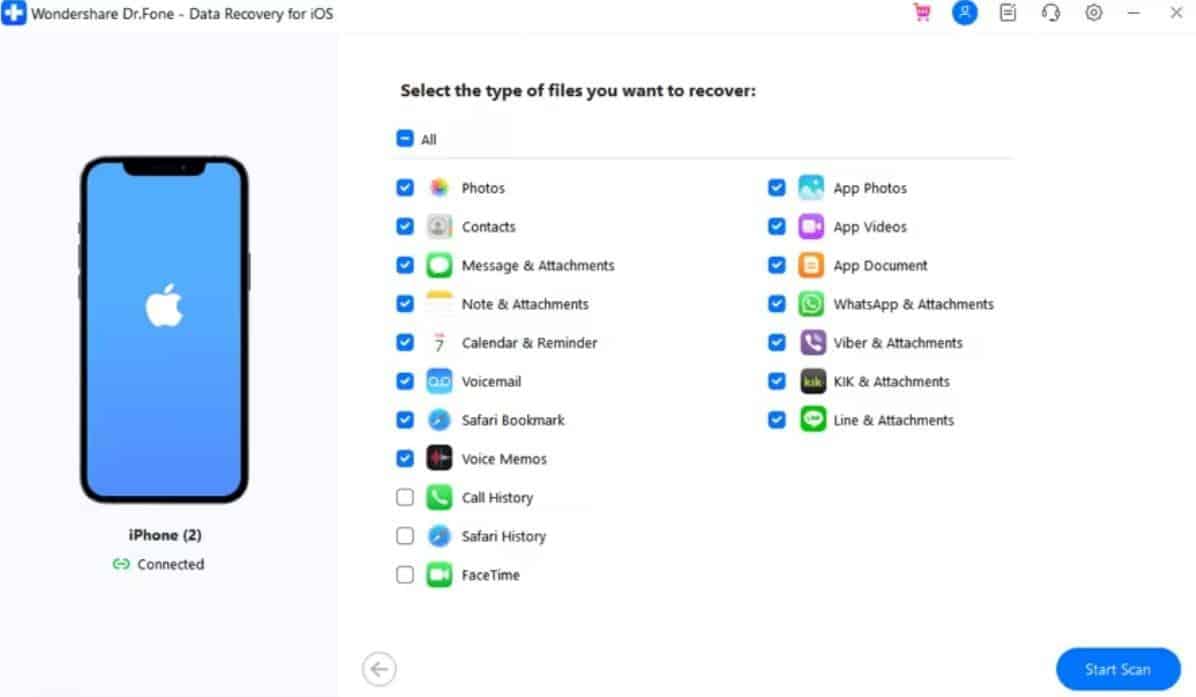
After the iOS device is recognized, select the data categories, like photos, that you want to retrieve. Here, click “Start Scan” to let the program search for deleted files.
Step 3. Recover Deleted Files Through Dr.Fone
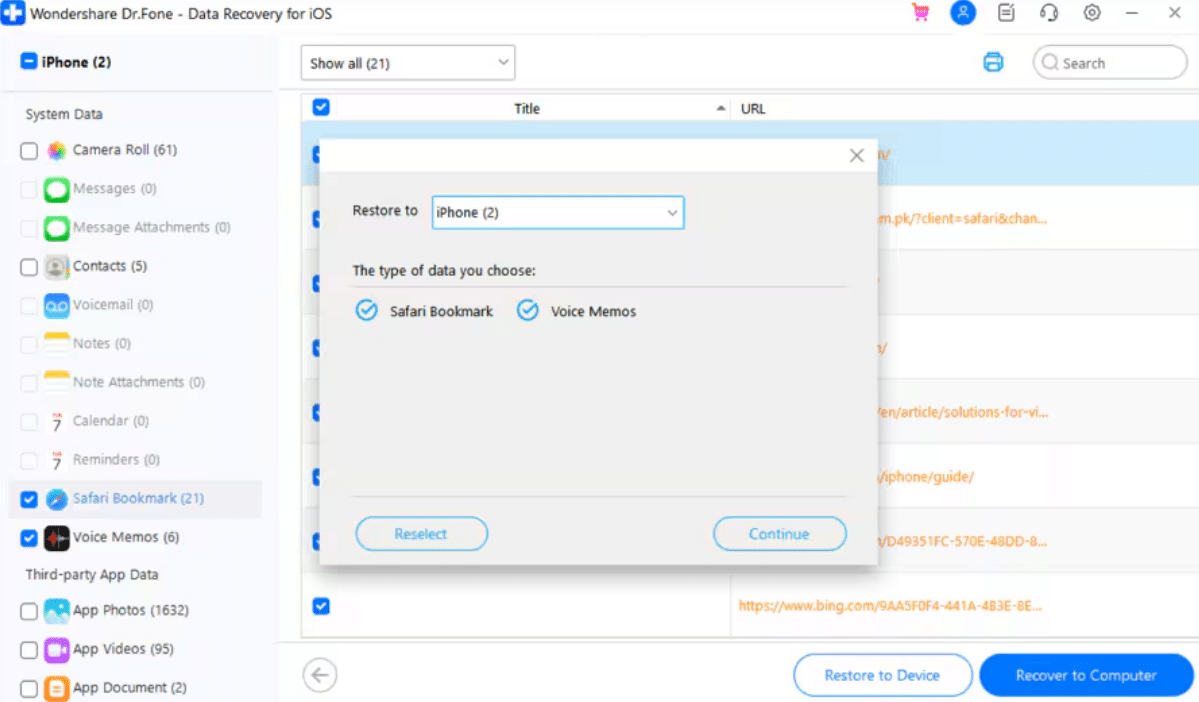
Once scanning finishes, preview the recovered files to choose the desired ones and press “Restore to Device.” Following this, select the save location and click “Continue” to complete recovery.
Part 5. When to Use Dr.Fone vs Apple Recovery — Choosing the Right Path
Selecting the best method depends on your current backup status and specific needs. An iPhone data restore software is often the best choice for partial recovery. Moreover, official tools might be better if you need to restore your entire device. Thus, you can use the table below to decide which path fits your current situation best:
| Scenario | Use Apple Recovery | Use Dr.Fone Software |
|---|---|---|
| Data Selection | Suitable when you want to restore all files and device settings. | Ideal when you only need to recover a few specific deleted photos. |
| Backup Status | Recommended if a recent backup exists in iCloud or Finder. | Helpful when a backup is missing or unavailable. |
| Device Safety | Appropriate when you do not mind erasing current data first. | Better when you need to keep existing files safe and unchanged. |
| Time Factor | Works if you have time for a full system reinstall and setup. | When a quick scan is needed to find a specific file. |
| Water Damage | Useful only if a backup existed before the hardware failure. | Effective if the phone still connects and allows data extraction. |
Conclusion
In conclusion, losing your data is a very hard experience for any iPhone user today. Apple tools help in some cases, but they have clear limits. For other cases, you need a smart way to get your photos back. This ultimate guide shows that having the right tool makes a huge difference. For simple, safe, and guided recovery, Dr.Fone Data Recovery Software remains a reliable choice for restoring your data.