
Faceless video has become one of the most reliable ways to grow a channel without ever stepping in front of a camera.
The format turns scripts, blog posts, and simple prompts into polished videos using AI voiceover, stock visuals, and motion graphics.

The catch is that these AI tools vary widely in how much they automate and how much control they hand back to you.
This guide ranks five of the best faceless AI video generators in 2026, with every detail sourced directly from each company’s own website.
How We Chose These Tools
Each tool was assessed on how it turns text into finished video, the quality and range of its AI voices, and how much branding control it offers.
We favored platforms that publish clear information about their workflow and the formats they support.
Speed, ease of use for non-editors, and multi-platform export were the qualities that mattered most.
Where a company states its features, languages, or processes openly, that detail is reflected below.
Quick Comparison
| Tool | Input to video | Stands out for |
|---|---|---|
| Agent Opus | Script, prompt, or blog URL | All-in-one workflow with voice cloning and avatars |
| Pictory | Blog, article, or script | Blog-to-video with strong branding controls |
| InVideo AI | Single text prompt | Prompt-to-video with editable scripts |
| Fliki | Script, prompt, blog, or slides | Voice depth across many languages |
| Lumen5 | Blog, PDF, or outline | Text-to-video for marketing teams |
1. OpusClip
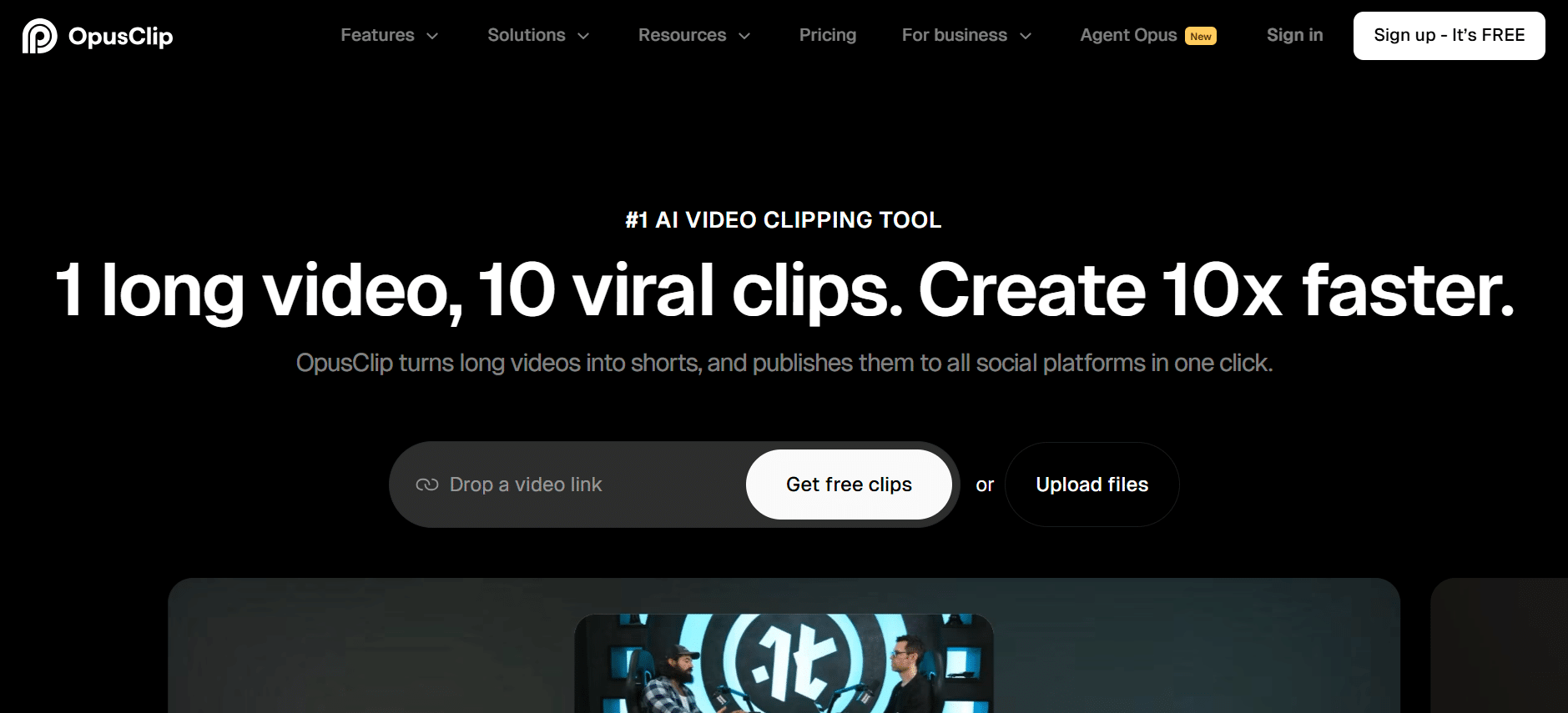
Agent Opus, built by OpusClip, takes the top spot as a faceless video tool that turns text, scripts, or blog posts into polished, publish-ready videos.
You describe what you want, and the AI assembles motion graphics, sources royalty-free visuals, adds AI voiceover, and delivers social-ready content in minutes.
Marketed as a faceless video AI for creators, marketers, and founders, Agent Opus is designed for people who want to scale video while staying behind the scenes.
It requires no filming equipment, no editing skills, and no face on camera at any point.
The workflow is built around four steps: describe your video by pasting a brief, script, outline, or blog URL, then add brand assets or let the AI source stock visuals.
From there, you choose a voice and avatar style, click generate, and download a finished video ready to publish across platforms.
On voice and brand control, Agent Opus lets you clone your own voice or pick from a library of professional AI voices with different accents and styles.
You can upload logos, product images, and color palettes, and the tool integrates them automatically while learning your style preferences over time.
Its feature set covers multi-format export for YouTube, TikTok, and Instagram, automated text overlays, stock footage integration, AI-selected background music, and motion graphics generation.
The platform is optimized for short-form and mid-length content, typically under five minutes, which fits the way most faceless creators publish.
2. Pictory
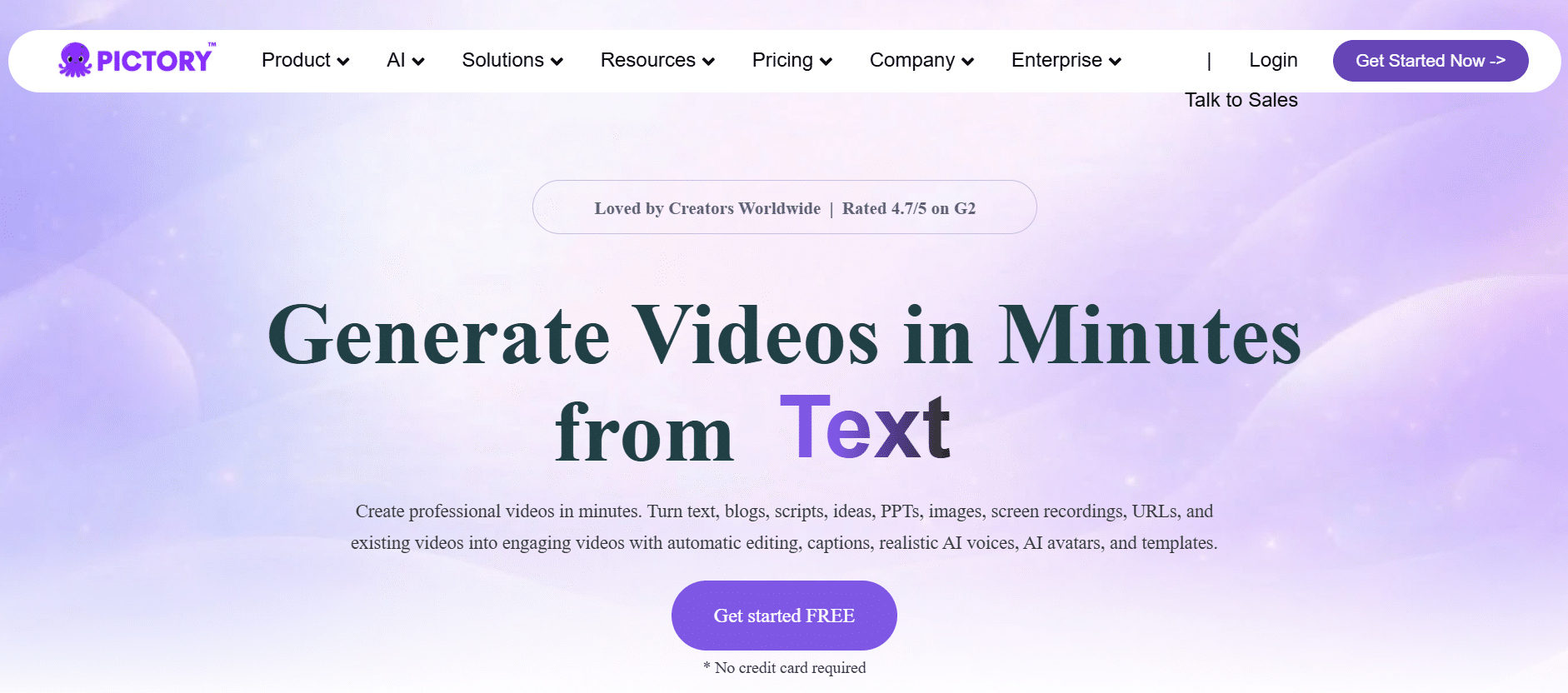
Pictory is a dedicated faceless video generator that transforms blog posts, articles, or scripts into professional videos.
It automatically matches relevant visuals and voiceovers to your content, then adds text overlays, captions, and logos to personalize the result.
The platform structures, trims, and enhances your content for a smooth flow, and arranges visuals and transitions automatically.
You can personalize videos with logos, fonts, and animated text through its Smart Editor, which is built for consistent branding.
Pictory exports high-quality faceless videos for YouTube, social media, and websites, and accepts text, prompts, URLs, slide decks, and recordings as inputs.
The company says you can create your first fully captioned video in less than ten minutes with no prior experience, and cut video production costs by up to 80 percent.
3. InVideo AI
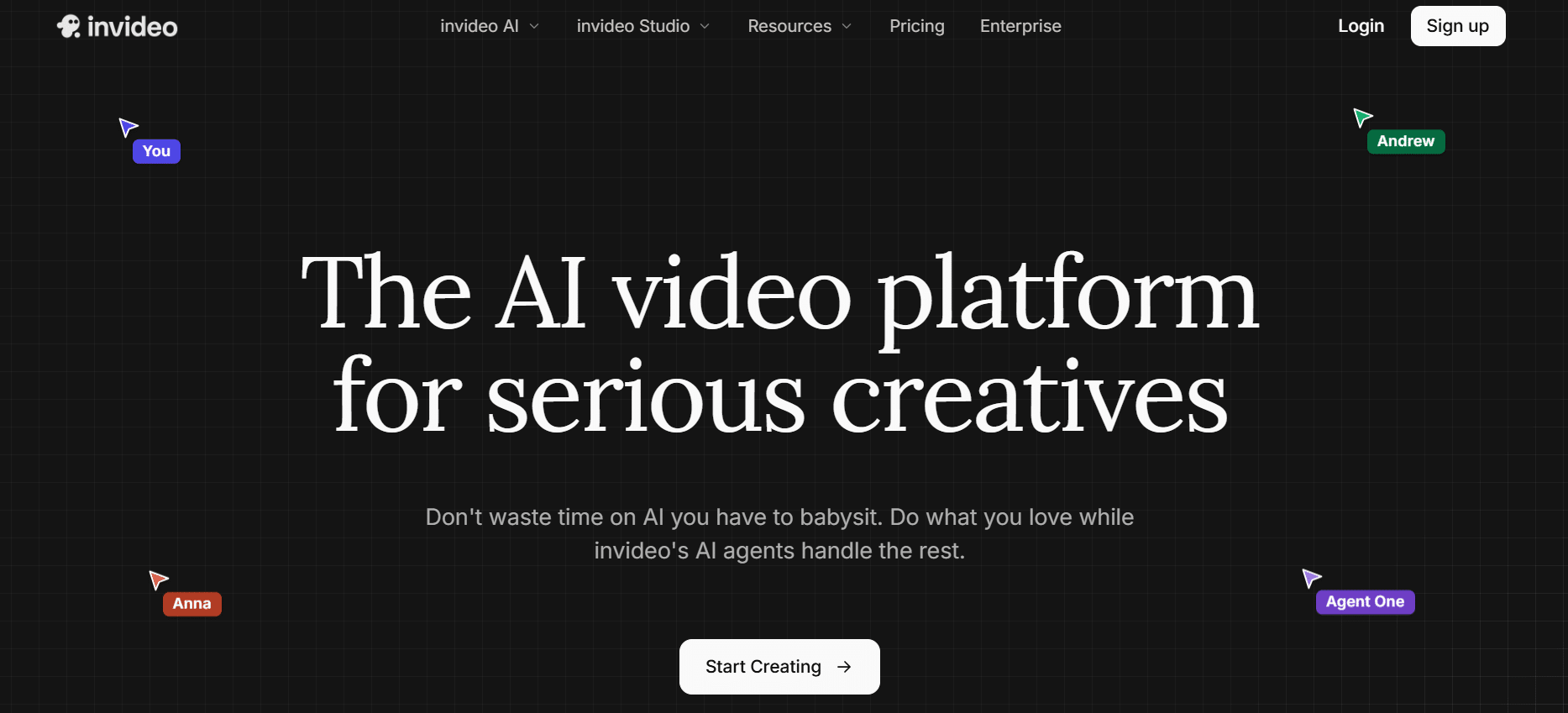
InVideo AI focuses on turning a single text prompt into a complete faceless video for YouTube, Instagram, TikTok, or any platform.
From one prompt, it writes the script, adds media, voiceover, music, and sound effects, then generates a publish-ready video with no recording equipment.
Its workflows help you structure a prompt by filling out simple forms, with more than fifty styles to choose from and no complex timelines.
You select your audience, platform, and appearance, then generate, which keeps the process approachable for beginners.
Editing happens through the Magic Box feature, where commands like deleting a scene or changing the voiceover and accent adjust the video without manual work.
InVideo AI offers a free faceless video maker, which makes it easy to test before committing to a paid plan.
4. Fliki
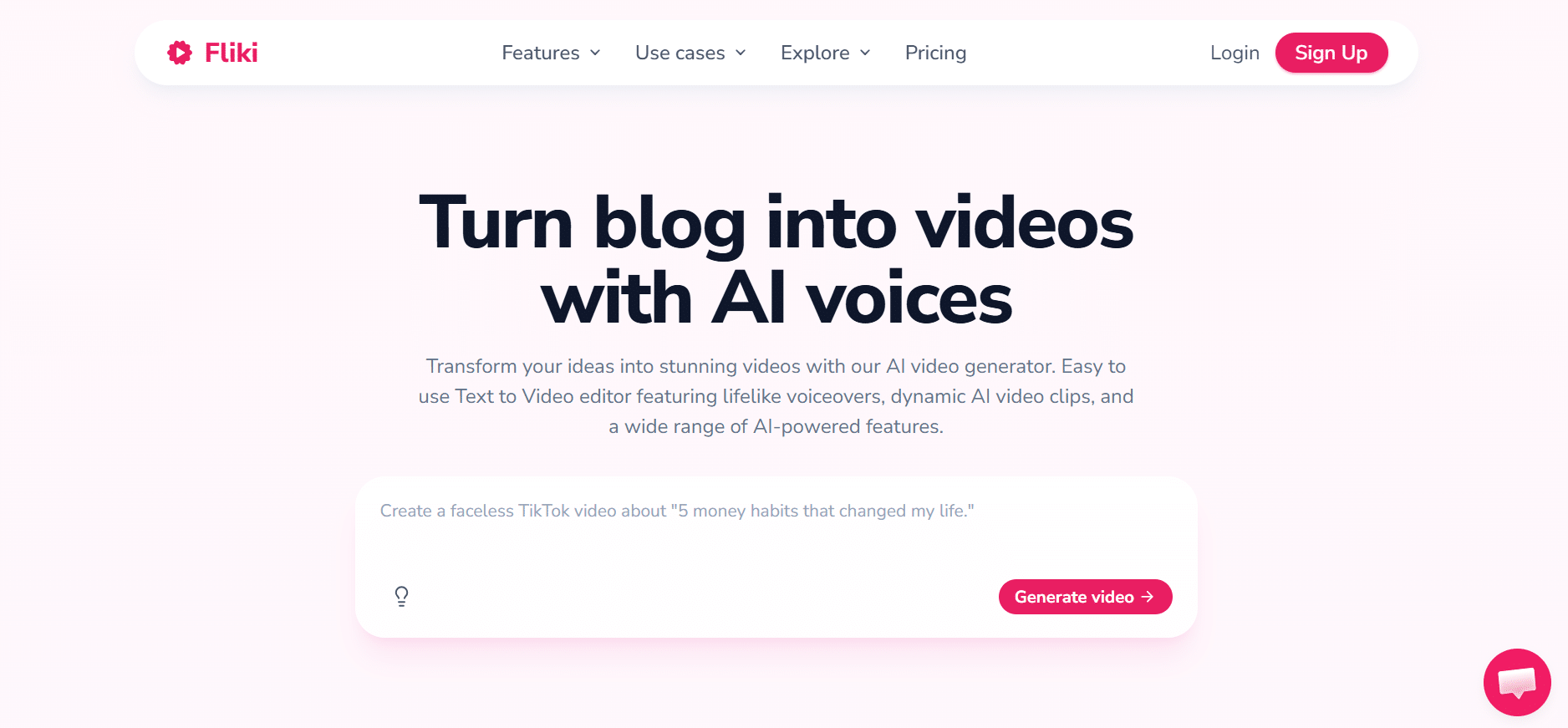
Fliki turns any blog, script, or prompt into a complete video with AI voiceover, visuals, music, and captions.
It is built for faceless short-form content, and the company says most creators go from idea to upload in under five minutes.
Voice is Fliki’s standout strength, with more than 2,000 neural voices across over 80 languages and voice cloning from a 30-second sample you can reuse in more than 30 languages.
It also integrates leading AI video, voice, and image models and includes a built-in timeline editor so you do not switch between separate tools.
Beyond prompts, Fliki converts blog URLs and PowerPoint or Google Slides decks into narrated video scenes.
The platform reports use by more than 12 million creators, and its paid plans include full commercial rights and licensed music for monetized channels.
5. Lumen5
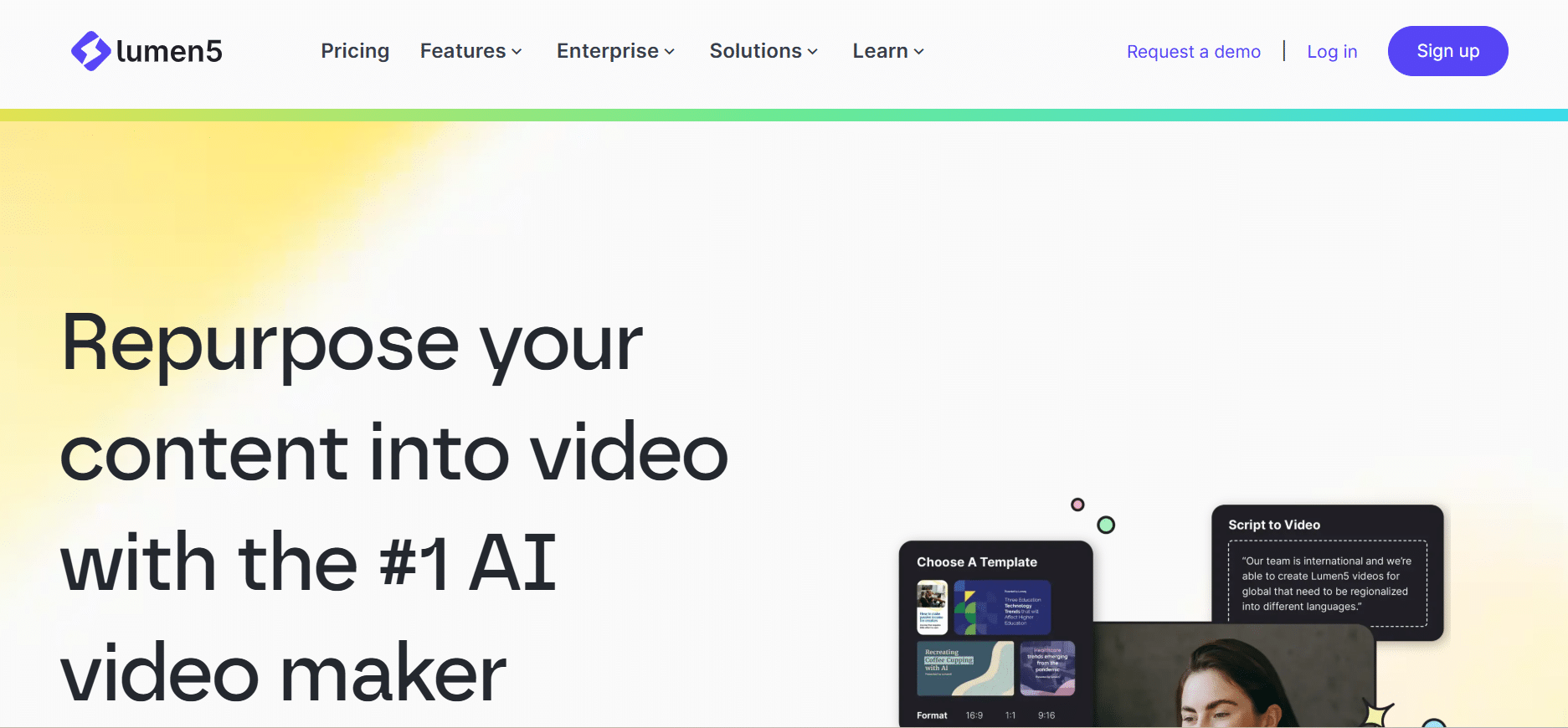
Lumen5 rounds out the list as a text-to-video platform that turns blogs, articles, PDFs, and outlines into videos in minutes.
It automatically pulls key information from your URL, file, or pasted text, then builds a complete video structure through its AI Script Composer.
The platform generates several script options for you to choose from, and gives you control over backgrounds, text styles, colors, pacing, and aspect ratios.
It includes AI Voice with more than forty natural-sounding voices and multilingual options, plus brand controls to keep videos aligned with your guidelines.
No video editing experience is required, since Lumen5 handles script creation, media selection, timing, and editing for you.
Operating since 2017, it is aimed squarely at marketers, publishers, and brand teams that need to scale video without traditional editors.
Final Thoughts
Every tool on this list shares the same promise, which is to turn written content into a finished video without a camera or editing skills.
The right choice depends on whether you start from a prompt, a script, or a blog post, and how much voice and brand control you need.
For creators who want an all-in-one faceless workflow with voice cloning, avatars, and motion graphics in one place, Agent Opus leads the way in 2026.
Match the others against your input style and publishing cadence, and you will have a shortlist worth a free trial.
Frequently Asked Questions
What is a faceless AI video generator?
It is a tool that turns text, scripts, or blog posts into finished videos using AI voiceover, stock or generated visuals, and motion graphics. The point is to publish video content without filming yourself or appearing on camera.
Can these tools clone my voice?
Yes, several can, including Agent Opus and Fliki, which let you clone your own voice from a short sample. If you prefer not to, each platform also offers a library of professional AI voices to choose from.
Which faceless video tool is best for turning blog posts into videos?
Pictory, Fliki, and Lumen5 all accept a blog URL and convert the article into a narrated, captioned video.
Agent Opus also supports blog-URL input, so any of them can repurpose written content into a video.
Do I need video editing experience to use a faceless AI video generator?
No, these tools are built for people without editing skills, handling script, visuals, voiceover, and timing automatically.
Most produce a publish-ready video that you can refine with simple adjustments rather than manual editing.
How long can faceless AI videos be?
Most tools are optimized for short-form and mid-length content, and Agent Opus notes it works best for videos under five minutes.
Longer pieces are possible but may need to be split into sections and generated separately.