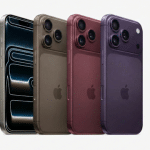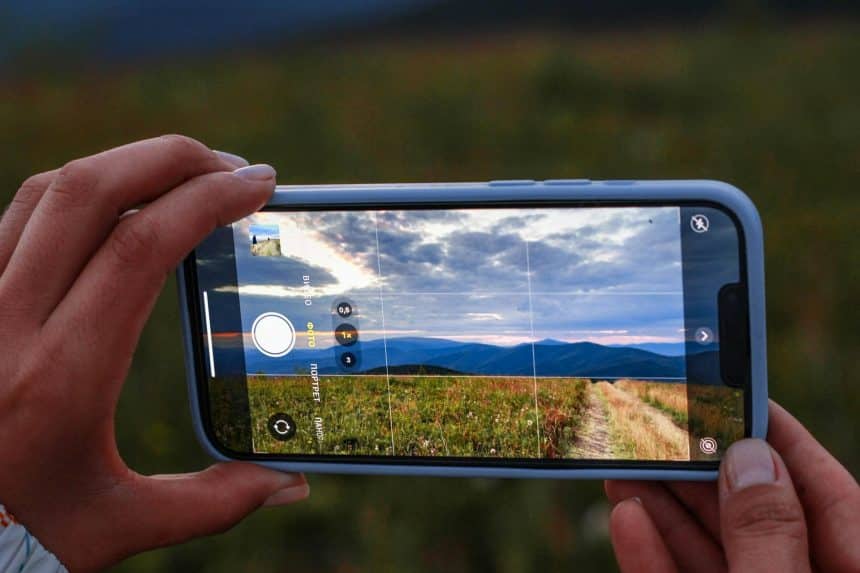
The iPhone in your pocket is one of the best cameras most people will ever own. Each generation narrows the gap with dedicated cameras, and computational photography already handles focus, lighting, and color better than many of us could manage manually. Yet the camera is only half the story. The real transformation of a good photo into a great one increasingly happens after the shutter clicks, and thanks to AI, you no longer need a Mac loaded with pro software to do it.
Why the shot is only half the story
Even a technically perfect photo often needs a little help to shine. A distracting background, a slightly soft image, a stray object in the frame, or a resolution that is not quite high enough for a print can all hold back an otherwise strong shot. Traditionally, fixing these issues meant importing photos to a computer and wrestling with complex editing programs.
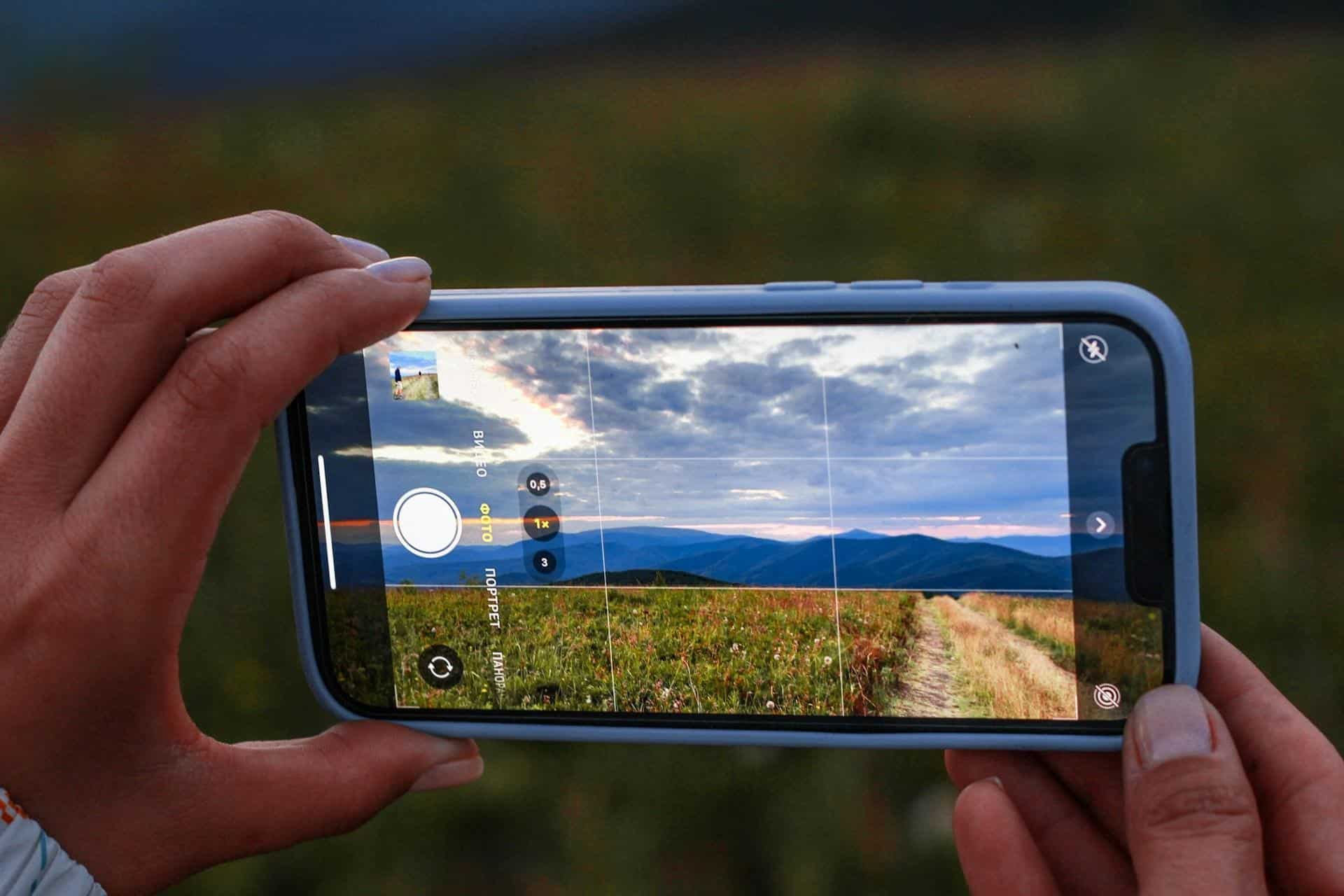
That workflow put polished results out of reach for most casual shooters. Professional editing tools were powerful but intimidating, and moving files back and forth between an iPhone and a Mac added friction that most people simply avoided. The photos stayed good instead of becoming great.
What AI editing can do now
Artificial intelligence has collapsed that complexity into something anyone can use. The tasks that once demanded skill and patience now happen automatically. Among the most useful capabilities available today are removing or swapping backgrounds cleanly, upscaling a low-resolution image to a crisp, print-ready size, erasing unwanted objects or blemishes, and sharpening details that came out soft.
None of these require you to understand layers, masks, or any of the jargon that made old editing software daunting. You point the tool at the problem, and the AI handles the heavy lifting in seconds. That shift from manual skill to automatic results is what has opened advanced editing up to everyone.
Doing it all from your iPhone
Best of all, this no longer requires a computer at all. Pixelcut runs these AI features directly on your iPhone, letting you shoot, edit, and share without ever sitting down at a desk. You can clean up a product photo for a listing, prep an image for social media, or rescue an old low-resolution picture, all from the same device you took the shot on.
For anyone who lives on their phone, which is to say almost everyone, this is a meaningful change. The entire creative loop, from capture to polished final image, fits in your hand. It suits the way people actually use their iPhones: quickly, on the go, and without wanting to boot up a laptop for a five-minute edit.
The bigger picture: everyone shoots on a phone now
This mobile-first approach reflects where photography has already landed. According to mobile photography data compiled by ElectroIQ, a large majority of people now prefer using an iPhone for their everyday photos, and smartphones account for the overwhelming share of all pictures taken worldwide. For the vast majority of users, smartphone photography is no longer secondary. It has become the default way to capture everyday moments.
Given that reality, it makes sense that editing has followed the camera onto the phone. Tools designed for mobile meet people where they already are, removing the last reason to treat serious editing as something that happens elsewhere. The result is that studio-style results are now genuinely accessible to anyone with an iPhone.
Practical tips for better iPhone photos
AI can do a lot, but a few habits will give it better material to work with. Shoot in good light whenever possible, since even the smartest tools prefer a well-lit starting point. Keep your lens clean, hold steady, and capture at the highest quality setting your storage allows, which gives upscaling and retouching more detail to draw on.
When using AI to edit photos, subtlety often delivers the strongest results. Small refinements that improve lighting, sharpness, or composition tend to look far more convincing than dramatic transformations. The goal is to enhance the original image while preserving its authenticity, creating a polished final result that still feels genuine.
From snapshot to standout
The combination of a capable iPhone camera and on-device AI editing has quietly erased the line between casual snaps and polished, professional-looking photos. What once required expensive gear, desktop software, and real skill can now be done in a few taps, wherever you happen to be.
For iPhone owners, the takeaway is encouraging: you already carry everything you need. With a good eye, decent light, and the right AI editor, the photos you take every day can look every bit as good as something from a studio, no Mac required.