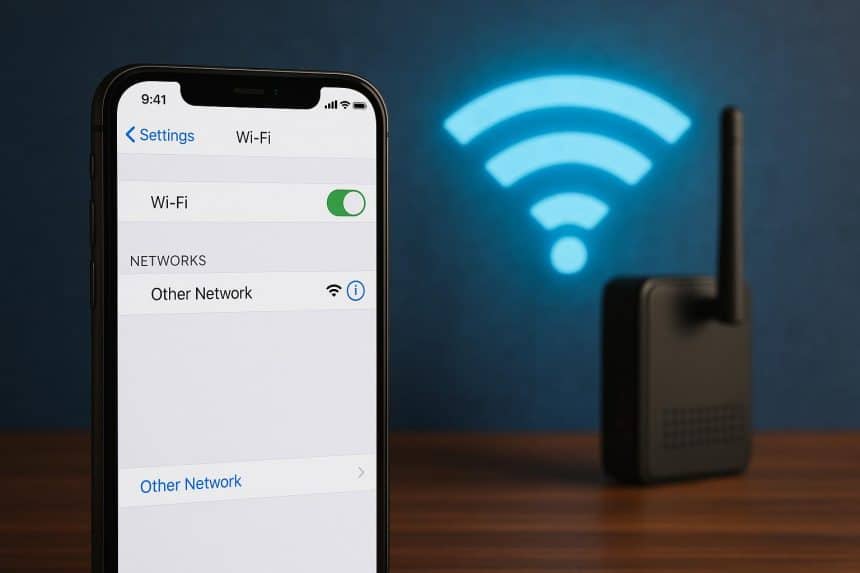
We’ve all connected our iPhone to someone else’s Wi-Fi in the past – at a friend’s house, a hotel, or a café. Most of us do it without even a second thought.
But what does your iPhone actually reveal when it connects to a network? Although the iPhone doesn’t reveal all the data stored within its confines, it does reveal some data so that it can connect. That’s why it’s good to know what exactly goes on behind it all.
Your iPhone Introduces Itself to the Network
Before your iPhone can access the internet, it has to communicate with the Wi-Fi router. As part of this process, the network recognizes that a new device has connected and assigns it an IP address so information can move between your phone and the internet.
Your iPhone also includes privacy features that reduce the amount of information shared. For example, iPhones can use a Private Wi-Fi Address that helps prevent different Wi-Fi networks from identifying your device using the same hardware address. This makes it harder for different networks to recognize your device over time.
Even with these protections, the network owner can usually see that an iPhone is connected, when it joined the network, and approximately how much data it transfers.
The Network Can’t See Everything You Do
Some people think that connecting to another person’s Wi-Fi will give them access to everything that’s going on with the phone. Fortunately, that’s not how modern internet connections work.
Most of the Web pages and applications today make use of encryption during the transfer of information, so people who run the Wi-Fi network can’t read your messages, passwords, emails or banking data.
However, they might still be able to tell that your phone is communicating with certain online services. They can also see how much data your device is using and when it’s actively connected to the network.
For that reason, it’s still wise to be cautious when using Wi-Fi networks that belong to people or establishments you don’t know.
Your Apps May Stay Active
Though not being used actively, multiple apps remain operational even when you switch off your phone, and they might perform tasks like downloading updates, checking email, downloading notifications, syncing photos, etc.
This is completely normal and helps your apps stay up to date. Still, it also means your iPhone may continue sending and receiving data while it’s connected to Wi-Fi.
If you’re using a public or unfamiliar network, some people also choose to use a VPN for iOS to be extra safe while browsing, checking online accounts, or using apps on public Wi-Fi.
You can also reduce unnecessary background activity by reviewing which apps are allowed to refresh in the background. Besides limiting internet use, it can also help improve battery life.
Automatic Connections Can Surprise You
Your iPhone remembers many of the Wi-Fi networks you’ve connected to before. When you return to the same place, it might reconnect automatically without asking.
And although that’s a convenient feature for many, it also means your phone could connect before you’ve even noticed. If you’ve joined lots of different networks over the years, it’s worth checking your saved Wi-Fi list every so often.
Removing networks you no longer use and turning off automatic joining for places you rarely visit gives you more control over when your device connects.
Your Personal Files Stay Protected
Joining someone else’s Wi-Fi doesn’t give the network owner access to everything stored on your iPhone. Your photos, contacts, messages, and apps remain protected by Apple’s security features.
Of course, this doesn’t mean you should ignore basic security practices. Keeping your iPhone updated is important because software updates often include fixes for newly discovered security issues.
It’s also a good idea to download apps only from trusted sources and pay attention to the permissions you grant them. Good security depends on both your device and the choices you make while using it.
Be Selective About the Networks You Join
Not every Wi-Fi network deserves the same level of trust. Home networks belonging to friends or family are usually different from public hotspots in airports, cafés, or shopping centres, where lots of people can be connected at the same time.
While public Wi-Fi isn’t automatically unsafe, it’s worth being more careful about the websites you visit and the information you access while connected.
If you don’t fully trust a network, consider using your mobile data instead, especially when accessing sensitive information or making online payments.
Conclusion
Connecting to someone else’s Wi-Fi doesn’t have to be a cause for concern. Modern iPhones include several privacy features that help protect your personal information, but they still share certain details that are necessary for the connection to work.
Understanding what your device reveals, what remains private, and how to choose networks wisely can help you stay connected with greater confidence.