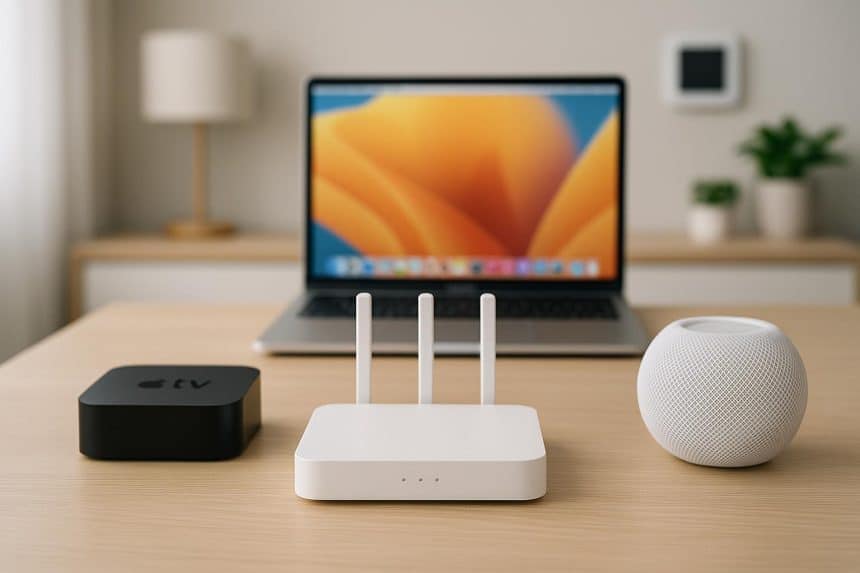
Don’t you find it profoundly annoying when you ask HomePod to turn on the front door light and, because of a slow internet connection, it starts lagging and doesn’t do what you tell it to do? Similarly, imagine you’re watching John Wick and just as the Red Circle scene begins (which is the best part of the movie), Apple TV suddenly decides to start buffering.
In most cases, all of this has to do with your internet connection being poor. However, it should be noted that it is not just a slow internet connection that could be the problem; it can also be a wrong Wi-Fi configuration or even router limitations.
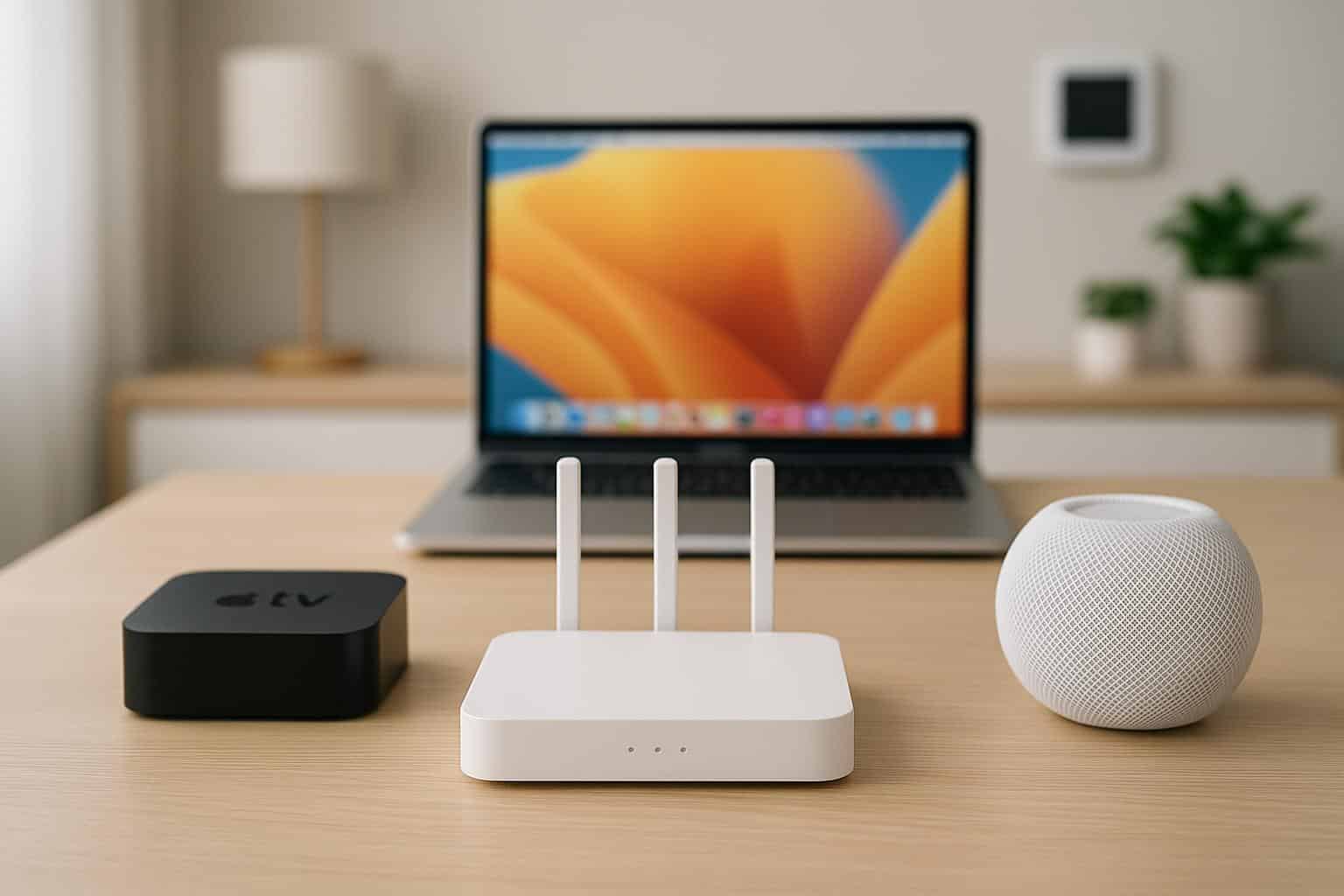
This article covers how you can make sure your home internet is optimized for your Apple Ecosystem and what you can do to improve it. Here’s everything you need to know.
What Counts as an Apple Ecosystem?
Apple devices can be broken down into 3 distinct categories when it comes to an Apple Ecosystem. The different types of Apple devices are as follows:
Streaming and Media |
Computing and Continuity |
Smart Home Devices |
|
|
|
Technical Bottlenecks People Don’t Mention
There are certain issues that you can scour the internet for, but you won’t find them anywhere. For instance, one thing that people don’t understand is that it isn’t just the download speed that matters for your Apple Ecosystem, but the upload speed matters just as much.
For instance, I have a habit of using my iPhone as the webcam in meetings through the Continuity Camera feature on my MacBook. However, the camera only works well if the upload speed matches the download speed, as with fiber internet plans with symmetrical speeds.
Similarly, I always need all of my files in one place, and iCloud always comes in handy for that. Through it, I can ensure that my iPhone, MacBook, and iPad have all the files I need. However, running iCloud smoothly requires a solid internet connection with a brilliant upload speed. Otherwise, it will take ages for your files to upload to iCloud.
The internet usually emphasizes download speed, but you need to know that upload speed is just as important.
Is it Your Wi-Fi or Your Internet Plan?
This is a very important question that you should be asking yourself. If you feel like your Apple Ecosystem isn’t working the way you want it to, then it’s either your router or your internet plan that is problematic. Here, you can run a diagnosis on your own like I always do, and the best part is, it’s as easy as ABC.
The first thing you need to do is to use the built-in diagnostic tool on your Mac to see if your router is working fine. Other than that, run a speed test on your internet to see how much speed you are getting, and then go into the router settings through the portal mentioned on the underside of your router to see the technical settings and whether they need tweaking or not.
If everything seems fine on paper, then your router isn’t the problem; the internet plan is. You’re not getting the speed that you need because your internet plan isn’t in accordance with your household and its internet needs, including bandwidth management and internet speeds in general.
How Much Speed Do You Actually Need?
An Apple Ecosystem and its performance don’t necessarily depend on how many Apple devices you have; it also depends on your internet plan and how it caters to your devices. Some other factors that contribute include your household size, the number of devices (non-Apple as well) you have in your home, and what the internet usage is.
For instance, if you have a large house with lots of people living with you, that would automatically mean more bandwidth consumption. In that case, it would make sense for you to have an internet plan with greater speeds and more bandwidth, and vice versa in the case of a smaller home.
For light usage, I recommend that you have at least a 300 Mbps internet plan, and for medium usage, a 500 Mbps plan should be more than enough for you. However, if there are more people and devices in your home with activities like 4K streaming and online gaming, then you need a 1 Gbps plan to make sure your Apple Ecosystem works smoothly too.
Once you have all these things figured out, your Apple Ecosystem will be as smooth as butter, making sure you make the most of it.