Many US sellers of used Macs only ship to American addresses, but Australians can still buy from them. The real question is whether it costs less once the device is home.
Australians shopping for a used MacBook Air usually start close to home, with Apple’s refurbished store, Back Market, JB Hi-Fi or Reebelo. It’s tempting to look further afield, because US listing prices look low: an M1 MacBook Air with 256GB of storage typically sells for around US$380 on Swappa, the American marketplace for second-hand tech.
Whether that’s a saving depends on what it costs to get the laptop here. It also depends on the device, because not every Apple product works as well in Australia as it does in the US.
Buying From a US Marketplace
Swappa is a marketplace rather than a refurbisher. Individuals and small businesses sell their own devices, and staff review each listing before it goes live, checking the serial number and making sure the device works and isn’t locked to a previous owner. The problem for Australians is delivery: Swappa only ships to US addresses.
The usual answer is a parcel forwarding service, which gives overseas shoppers a US address and sends their orders on. Sellers normally have to agree before shipping to one, but listings marked with a Swappa partner forwarder have already agreed. Stackry’s parcel forwarding US to Australia service is among those partners. Stackry quotes US$91.50 as its estimate for sending a single laptop to Australia, and that’s the figure used below.
Paying from Australia works too. Swappa allows an overseas PayPal account, as long as the buyer pays the seller back for the extra international PayPal fee, currently 1.5%, before the device ships.
What It Actually Costs Once It’s Home
Add it up and the gap closes quickly. Here’s that M1 MacBook Air, landed in Australia:
- US$380 for the laptop (Swappa’s average sale price, 256GB)
- about US$6 for the international PayPal fee
- US$91.50 for shipping
- about US$
 694 at the Reserve Bank of Australia’s rate of 0.6878 on 11 November 2026
- about A$763 once Australia’s 10% GST is added
On parcels worth up to A$1,000, the forwarder collects that GST before the parcel leaves the US, so there’s nothing extra to pay on arrival.
Back Market Australia lists the same 256GB M1 MacBook Air, refurbished and with a one-year warranty, from A 380 is an average across conditions, so compare like for like when you shop. Even so, for a single entry-level MacBook Air, the US route doesn’t win.
It makes more sense in two situations:
- when you want a model or configuration you can’t find locally, such as more storage or a particular color
- when you’re buying more than one thing, because shipping is priced on the weight and size of the parcel, so adding an iPad to a MacBook order usually costs less than shipping it on its own
Which Devices Travel Well
Good buys: MacBooks and Wi-Fi iPads. Best skipped: iPhones and cellular iPads.
MacBooks are the easiest buy. Australian Macs use the same US English keyboard layout as American ones, so the keyboard on a US MacBook is identical to a local model. Apple’s power adapters accept 100 to 240 volts, so the charger works here as well. Only the plug is different: some Apple adapters take the Australian plug from Apple’s World Travel Adapter Kit, and any USB-C charger you already own will also do the job.
Warranty is where Macs and iPads part ways. Apple offers worldwide warranty service on portable products such as MacBooks, limited to the service options in the country where you ask for it. For iPhone and iPad, Apple says it may restrict warranty service to the country where the device was first sold. Plenty of used devices are out of warranty anyway, but it matters if you’re paying more for one that isn’t.
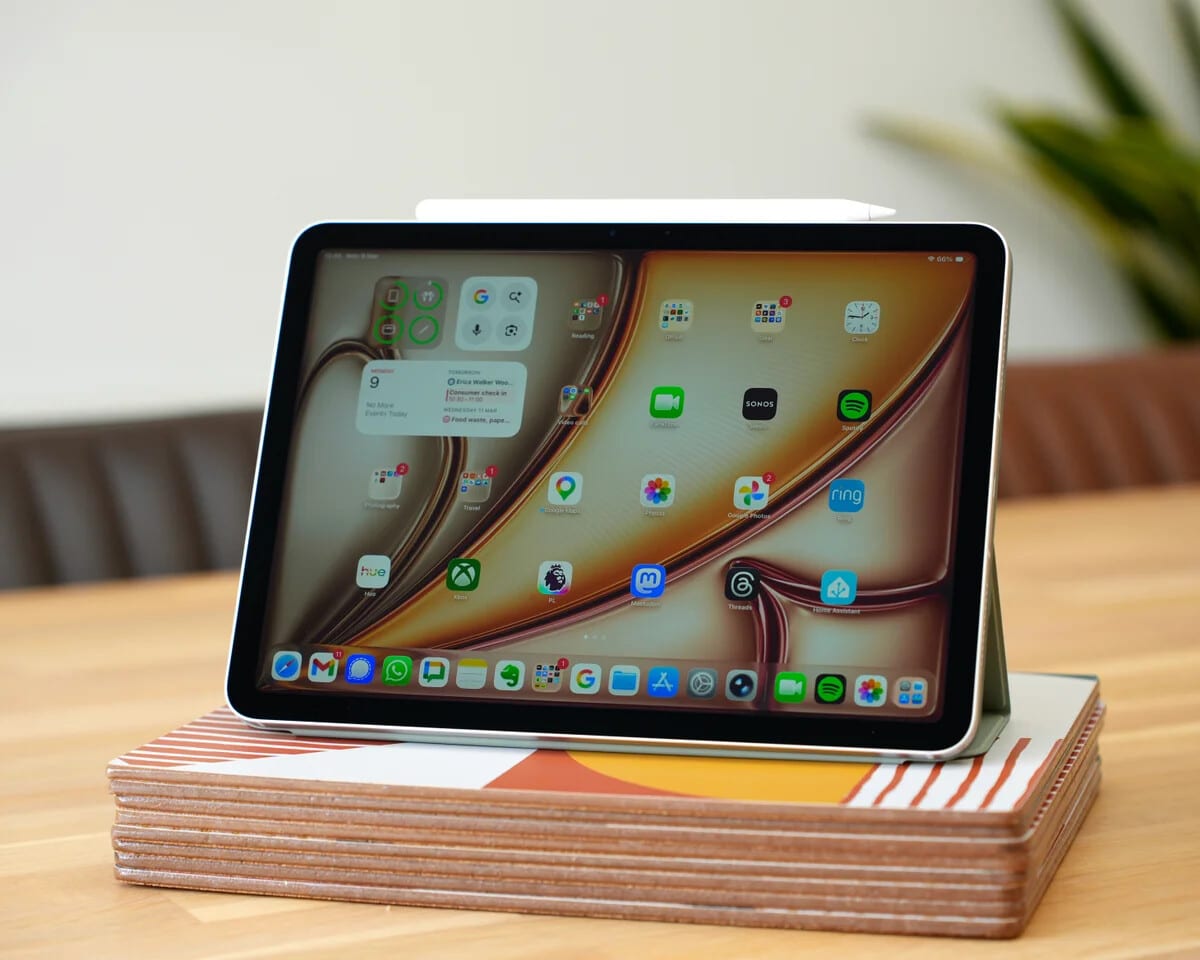
iPads are still a good buy if you stick to Wi-Fi models. Cellular iPads and iPhones are the ones to skip. iPhone 14 and later models bought in the US can only be activated with an eSIM, and Telstra warns that the eSIM on a device bought overseas may not work in Australia.
Checks Before You Pay
Swappa’s listing check confirms that a device works and isn’t locked. It doesn’t tell you how much life the battery has left or exactly what you’re getting, so ask the seller for:
- the battery’s condition and maximum capacity, from the Battery Health details under System Settings > Battery
- the cycle count, listed under Power in System Information
- the serial number, which tells you the model year and configuration
A screenshot of each says more than any description, and a seller who won’t send one is telling you something too.
With the serial number, Apple’s coverage page at checkcoverage.apple.com shows whether any warranty or AppleCare is left. Older Intel MacBooks cost less, but Apple has said macOS Tahoe is the last release for Intel Macs, which makes Apple silicon models the safer choice.
Before buying from overseas, work out the landed total in Australian dollars and set it against a local refurbished price. If the US option isn’t clearly cheaper, or doesn’t get you something you can’t buy here, the local one is the better buy.