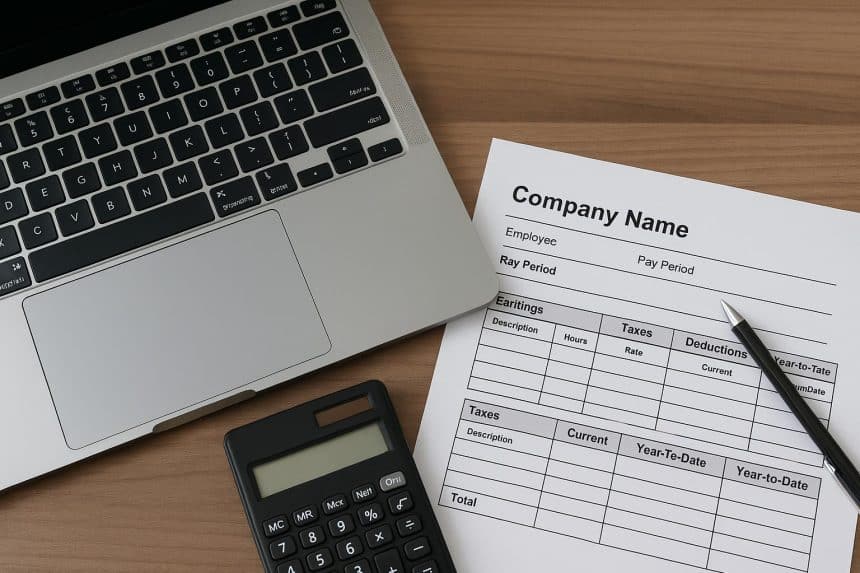
For small business owners, managing payroll efficiently is essential for maintaining trust, ensuring compliance, and keeping operations running smoothly. One of the most practical tools in this process is a well-designed pay stub template. If you are using a Mac, you already have access to a range of powerful tools that make customizing pay stubs simple and effective. With the right approach, you can create professional, accurate, and tailored documents that reflect your brand and meet legal requirements.
Why Custom Pay Stub Templates Matter
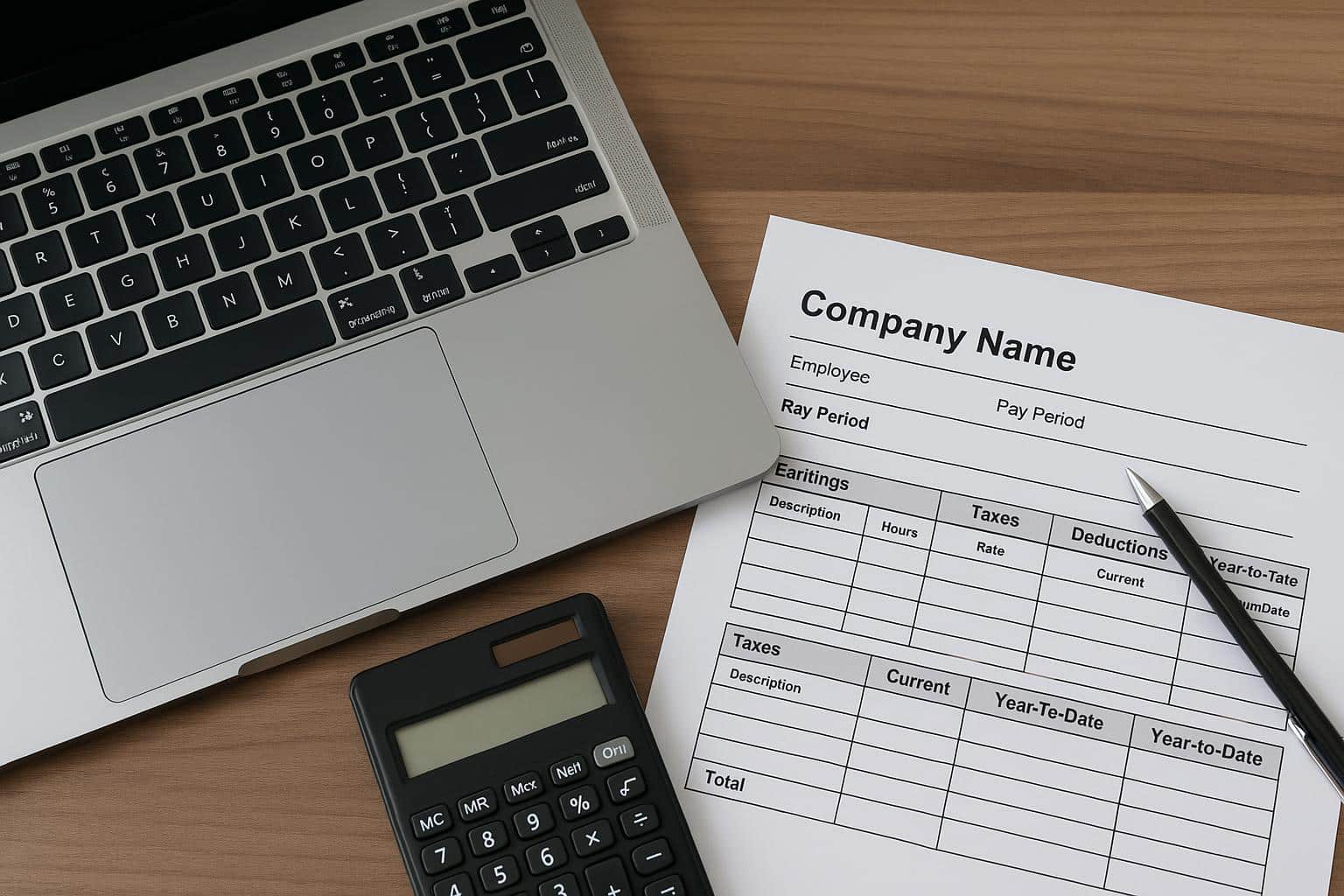
A generic pay stub may cover the basics, but customization allows you to align the document with your business needs. Clear formatting helps employees understand their earnings, deductions, and tax withholdings. It also reduces confusion and minimizes back-and-forth questions.
Customized templates also support compliance. Different states and regions have varying requirements for what must appear on a pay stub. By tailoring your template, you ensure that all required details are consistently included. This is particularly important if your business operates in multiple locations.
Branding is another advantage. Adding your logo, company colors, and contact details gives your pay stubs a professional look that reinforces your business identity.
Using Mac Tools for Pay Stub Customization
Mac users benefit from built-in applications like Pages, Numbers, and even Preview for editing PDFs. These tools are intuitive and powerful enough for most payroll documentation needs.
Pages is ideal for designing visually clean templates. You can create structured layouts with tables, adjust fonts, and insert logos. Numbers works well if you prefer a spreadsheet-based approach, especially for calculating wages, taxes, and deductions automatically.
If you are starting from a pre-made template, you can import it into these apps and modify it to suit your needs. This flexibility allows you to build a system that works best for your workflow.
Key Elements to Include in Your Template
When customizing your pay stub template, ensure it contains all essential components. These typically include:
- Employee information such as name, address, and ID number
- Employer details, including company name and contact information
- Pay period dates
- Gross earnings and net pay
- Itemized deductions for taxes, benefits, and other contributions
- Year-to-date totals
Organizing this information clearly is just as important as including it. Use consistent spacing, headings, and alignment so the document is easy to read.
Automating Calculations for Accuracy
Manual calculations can lead to errors, especially as your business grows. Using a digital solution like a paystub generator can streamline the process and reduce mistakes. These tools often allow you to input employee data once and automatically calculate deductions and totals.
If you prefer working within Mac apps, you can build formulas directly in Numbers. This approach gives you control while still benefiting from automation. For example, you can set up formulas to calculate tax percentages or overtime pay, ensuring consistency across all pay stubs.
Design Tips for Professional Results
A clean and professional design enhances readability and credibility. Start with a simple layout and avoid clutter. Use a standard font that is easy to read, and keep font sizes consistent throughout the document.
Color can be used sparingly to highlight important sections such as net pay or totals. Stick to one or two brand colors to maintain a cohesive look. Adding your logo at the top of the document also helps establish a polished appearance.
Alignment is another important factor. Make sure all numbers line up properly, especially in columns. This small detail makes a big difference in how professional your pay stub looks.
Adapting Templates for Different Needs
As your business evolves, your payroll requirements may change. You might hire contractors, offer bonuses, or introduce new benefits. A flexible template allows you to adjust without starting from scratch.
Using a pay stub maker can simplify these updates by offering customizable fields that can be added or removed as needed. This ensures your pay stubs remain relevant and accurate over time.
For businesses operating in specific states, customization becomes even more important. For example, using a Texas pay stub maker can help ensure that your documents meet state-specific requirements while still allowing room for branding and personalization.
Ensuring Compliance and Record Keeping
Accurate record keeping is essential for both legal compliance and internal organization. Save digital copies of all pay stubs in a secure location on your Mac. You can use folders organized by employee or pay period for easy access.
Cloud storage options like iCloud or other secure platforms can provide additional backup and accessibility. This is particularly useful if you need to retrieve records during audits or for tax purposes.
Regularly review your templates to ensure they align with current regulations. Laws can change, and staying updated helps you avoid potential issues.
Final Thoughts
Customizing pay stub templates on a Mac is a practical and efficient way for small business owners to manage payroll. With the right tools and a thoughtful approach, you can create documents that are accurate, professional, and tailored to your business.
By focusing on clarity, automation, and flexibility, you not only improve your payroll process but also enhance employee confidence and satisfaction. Investing time in building a solid template today can save you countless hours and headaches in the future.