If you spend a significant part of your day on video calls, you already know the problem. You can either pay attention to the conversation or take notes. Doing both at once means doing neither particularly well.
AI meeting note takers solve that. They record, transcribe, and summarize your calls automatically, so you can stay present in the conversation and still walk away with a complete, searchable record of everything that was said.
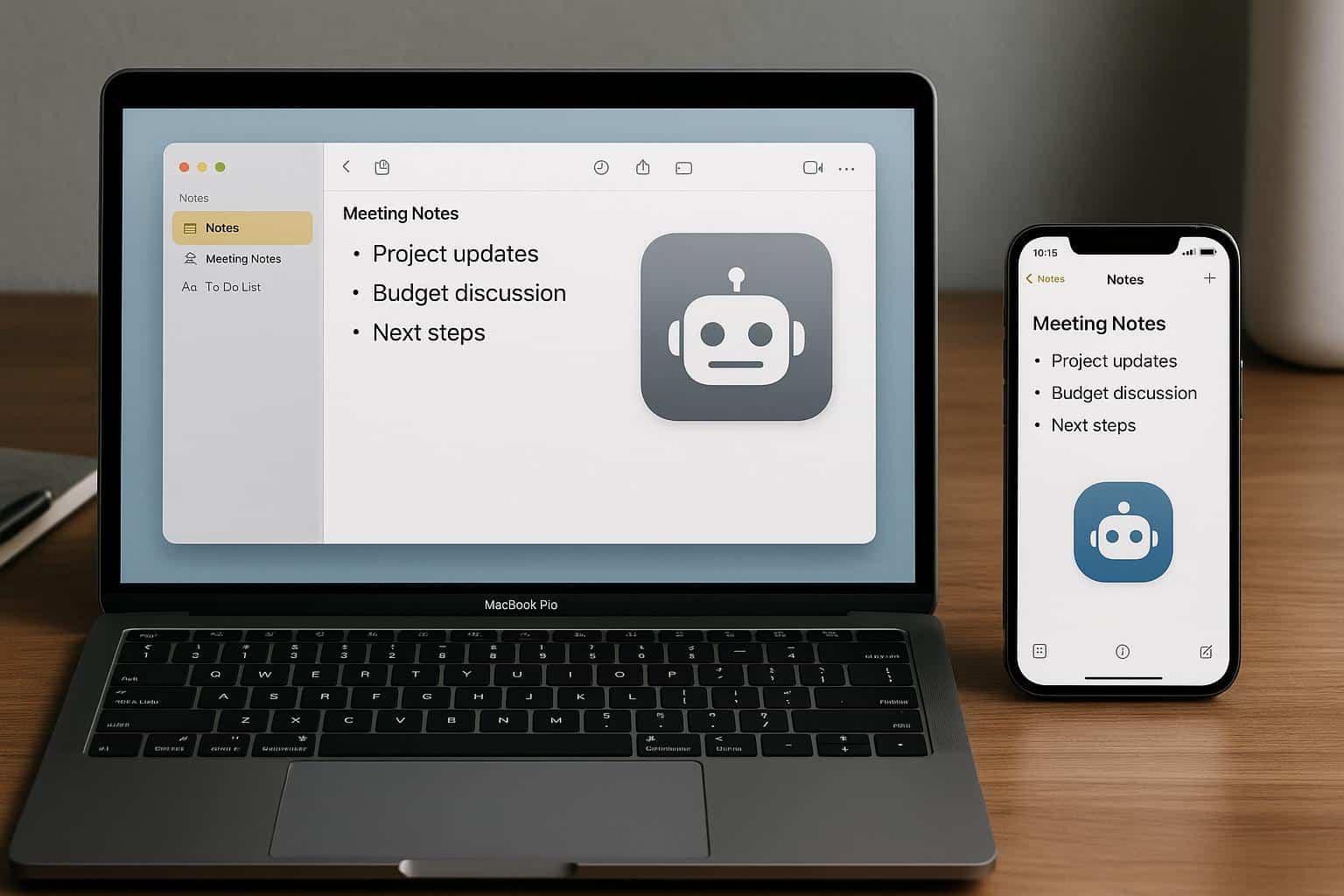
For Mac and iPhone users, though, the choice matters more than it might seem. Some of these tools are web wrappers that feel clunky on macOS. Others have no iOS app at all, which means your iPhone becomes useless for in-person meetings. And a handful send a visible bot into your calls that announces itself to everyone in the room, which gets awkward fast on client calls.
Here’s what’s actually worth your time in 2026, with Apple users specifically in mind.
What to Look for as a Mac and iPhone User
Before jumping into the list, a few things that matter specifically for the Apple ecosystem:
Native macOS app vs. web wrapper. A real native app lives in your menu bar, respects macOS conventions, and doesn’t require you to keep a browser tab open. It also tends to use less memory and integrate more naturally with your system audio.
iPhone app for in-person recording. Many tools only work during scheduled video calls. If you want to capture in-person client meetings, coffee chats, or anything that doesn’t happen on Zoom, you need a genuine iOS app that can record ambient audio from your phone.
Bot-free recording. The best tools for Mac capture audio directly from your system, meaning nothing appears in the attendee list. On iPhone, the same principle applies: the app records through the mic without joining the call as a visible participant.
Apple ecosystem fit. iCloud sync, Shortcut support, and behavior that feels native rather than ported from Android or Windows are small things that add up over a full workday.
#1. Bluedot — Best Overall for Mac and iPhone
Bluedot AI Note Taker works through a Chrome extension on Mac and has native apps for macOS, iOS, and Android. On your Mac, it captures meeting audio directly in the background without joining the call as a visible bot. On your iPhone, the app handles in-person meetings and phone call recording, which most competitors can’t do at all.
The transcription quality is strong, with support for 100+ languages — useful if you work with international clients or run multilingual calls. Summaries are structured and ready to act on, and the built-in AI chatbot lets you search across your entire meeting history by asking plain-language questions. “What did we decide about the launch timeline?” pulls the relevant moment from whichever call it came from.
Transcripts are private by default, which matters if you’re recording sensitive client conversations. Bluedot doesn’t train AI models on your meeting data, and nothing gets auto-shared with other call participants. For client-facing professionals who care about discretion, this combination of bot-free recording and private-by-default transcripts is hard to find elsewhere.
The free plan gives you 5 lifetime meetings to test it properly. Paid plans start at $14/user/month and include unlimited audio recordings, with video meetings and CRM integrations available on higher tiers.
Best for: Mac professionals who run external client calls and want bot-free recording that extends naturally to iPhone for in-person meetings.
✅ Pros | ❌ Cons |
| Genuine macOS and iOS apps | Free plan: 5 lifetime meetings |
| Bot-free — nothing appears in the attendee list | Requires Chrome extension for browser-based capture |
| 100+ languages for transcription and summaries | |
| iPhone app covers in-person meetings | |
| AI chatbot for searching past meetings | |
| Private by default — no auto-sharing |
#2. Granola — Best Mac-Native Feel
Granola is the AI note taker that feels most at home on a Mac. It lives in your menu bar, records system audio locally without a bot, and generates clean, structured notes after each call. There’s no browser tab to manage and no visible recording widget interrupting your screen.
The Recipes feature is where Granola distinguishes itself from generic summarizers. Instead of a one-size-fits-all summary, Recipes apply different AI templates depending on the meeting type: a sales call gets a different structure than a team standup or a client check-in. The output actually maps to what you need to do next rather than just what was said.
Granola expanded to iPhone in late 2025, so mobile capture is now an option for on-the-go meetings. The app records from your phone’s mic and syncs back to your Mac seamlessly. Notes from both devices end up in the same searchable library.
The main limitation is speaker identification. Granola captures everything but doesn’t attribute specific lines to specific speakers, which becomes a friction point when you need to know who said what in a multi-person call. Post-call CRM sync also requires Zapier rather than a native integration.
Free plan includes a limited number of meetings. Business plan at $14/user/month unlocks unlimited calls and team folders.
Best for: Mac-first professionals who want a native, minimalist feel and are willing to trade speaker attribution for a cleaner experience.
✅ Pros | ❌ Cons |
| True Mac-native menu bar experience | No speaker identification in transcripts |
| Bot-free local audio capture | CRM sync requires Zapier |
| Recipes: context-aware AI templates per meeting type | Language support narrower than Bluedot |
| iPhone app for mobile capture | No web version |
| Does not store audio recordings |
#3. Fathom — Best Free Option for Individual Mac Users
Fathom has the most generous free plan in the category: unlimited recording, unlimited transcription, and unlimited storage for individual users at no cost. No trial expiry, no credit card, no minute caps. If you have a Mac and want a solid note taker for your video calls without spending anything, Fathom is the obvious starting point.
The Mac experience is clean. After a call ends, a structured summary arrives in about 30 seconds, which is faster than most competitors. Fathom supports 15+ AI summary templates, so discovery calls, team syncs, and client updates can each produce different output formats automatically.
The iOS situation is the main catch. Fathom doesn’t have a mobile app, which means your iPhone is out of the equation entirely. In-person meetings, phone calls, and anything that happens away from your Mac goes uncaptured. For users whose meetings are exclusively video calls on a Mac, this isn’t a problem. For anyone who leaves their desk, it’s a real gap.
Fathom also uses a visible bot participant, which is worth knowing if you’re on external calls where that might raise questions.
Best for: Individual Mac users whose meetings are exclusively on Zoom, Google Meet, or Teams and who want the best free option available.
✅ Pros | ❌ Cons |
| Genuinely unlimited free plan (no tricks) | No iOS app — iPhone users are out of luck |
| Fast summaries in ~30 seconds | Visible bot in every meeting |
| 15+ AI summary templates | CRM sync requires Business tier |
| SOC 2, GDPR, HIPAA compliant | 28 languages only |
| Does not train AI on your data |
#4. Otter AI — Best for iPhone In-Person Recording
Otter AI is one of the few tools with a genuinely capable iPhone app for real-world, non-video recording. Open the app, tap record, and Otter transcribes everything in real time: lectures, in-person meetings, interviews, voice memos. The live transcript appears on your screen as people speak, which is useful for accessibility and for quickly scanning back while a conversation is still happening.
For Mac users who primarily attend video calls, the OtterPilot bot auto-joins from your calendar. The AI generates summaries and action items after each call, and the Mac and iOS experiences sync together through the same account.
The significant caveats: Otter has a documented history of data handling concerns. It’s the only AI note-taker to face a class-action lawsuit over how it uses meeting data for AI training. The free plan is limited to 300 minutes per month with a 30-minute per conversation cap. The bot joins meetings aggressively by default, including calls you’re not attending, and has been reported to auto-share transcripts with all participants without explicit permission.
For users who specifically need iPhone-based in-person recording and are aware of the privacy trade-offs, Otter does that better than most. For everyone else, the limitations are hard to overlook.
Best for: Users who specifically need real-time iPhone transcription for in-person meetings like lectures, interviews, or off-the-record conversations.
✅ Pros | ❌ Cons |
| Best real-time in-person transcription on iPhone | Class-action lawsuit over data handling |
| Live transcript view during meetings | Bot joins meetings uninvited by default |
| Strong Mac and iOS sync | Auto-shares transcripts with participants |
| Works offline for basic recording | Only 4 languages supported |
| Free plan: 300 min/month, 30 min/session max |
#5. Krisp — Best for Noisy Environments on Mac
Krisp started as a noise cancellation tool and is now a full AI note taker with a native Mac app. The differentiator is that it improves the audio before transcribing it, meaning cleaner input leads to more accurate output. For Mac users who work from busy co-working spaces, open-plan offices, or anywhere with ambient noise, this matters more than any other tool’s feature set.
On Mac, Krisp works by acting as a virtual microphone and speaker, so any conferencing tool picks it up automatically without needing a browser extension or bot. Noise cancellation works both ways: it cleans your audio for other participants and cleans incoming audio for your transcription.
Like Bluedot and Granola, Krisp records without a visible bot in the meeting. However, language support tops out at 16+ languages, there’s no permanent free tier (only a 7-day trial), and the iOS app is restricted to paid subscribers. For Mac-first professionals in quiet environments, the value proposition gets harder to justify against tools that are free or cheaper with equivalent transcription quality.
Best for: Mac users who frequently take calls from noisy locations and want audio quality to be a priority alongside note-taking.
✅ Pros | ❌ Cons |
| Best-in-class noise cancellation, both directions | No permanent free tier — 7-day trial only |
| Bot-free — integrates at system audio level | iOS app requires paid plan |
| Native Mac app, no browser tab needed | Only 16+ languages |
| Works with any conferencing tool on Mac | Narrower feature set than Bluedot |
Apple Notes + AI: Worth Mentioning
Before you sign up for a third-party subscription, it’s worth knowing what Apple already gives you for free.
With iOS 18 and macOS Sequoia, Apple Notes gained call recording and transcription for iPhone calls. Record a call directly from the Phone app, and Notes produces a transcript that syncs to your Mac automatically via iCloud. Apple Intelligence can then summarize the transcript or help you rewrite and format notes from any meeting.
It’s not going to replace a dedicated AI meeting note taker for complex multi-speaker video calls. The transcription accuracy is solid for clean one-on-one phone calls but less reliable with multiple overlapping speakers or background noise. And it only works with calls made through the iPhone Phone app, not with Zoom or Teams.
But if your needs are modest, it’s already on your devices and costs nothing. Worth trying before adding another subscription to your stack.
The Bottom Line
For most Mac and iPhone users who want complete coverage across video calls and in-person meetings, Bluedot covers the most ground: bot-free on Mac, a real iOS app, 100+ languages, and private-by-default transcripts. If you want something that feels more Mac-native and minimal, Granola is the closest to what Apple itself would probably build. If you’re cost-sensitive and your meetings are entirely on video, Fathom’s free plan is hard to argue with. And if your iPhone sees more action in lecture halls and face-to-face meetings than on Zoom, Otter’s real-time mobile transcription is the most capable option available, privacy caveats included.
The good news: most of these have a free tier or trial. You don’t have to guess which one fits your workflow.