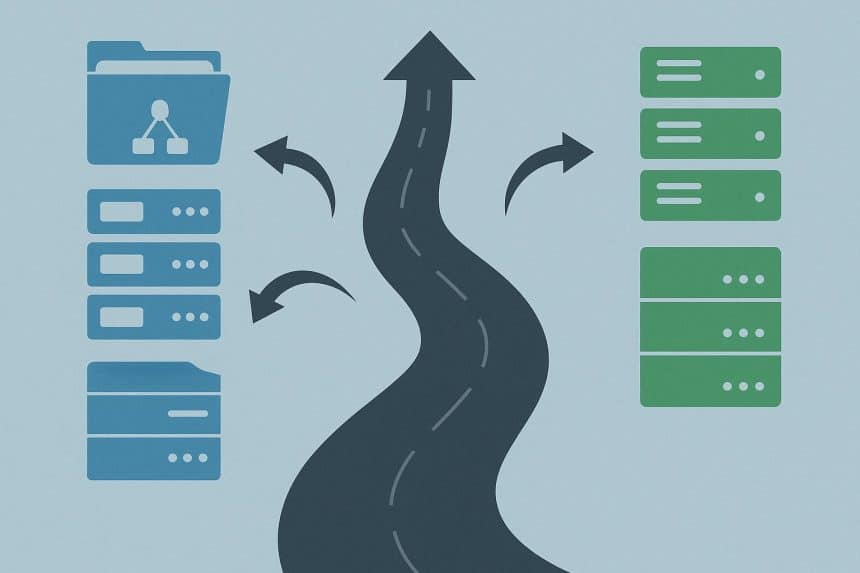
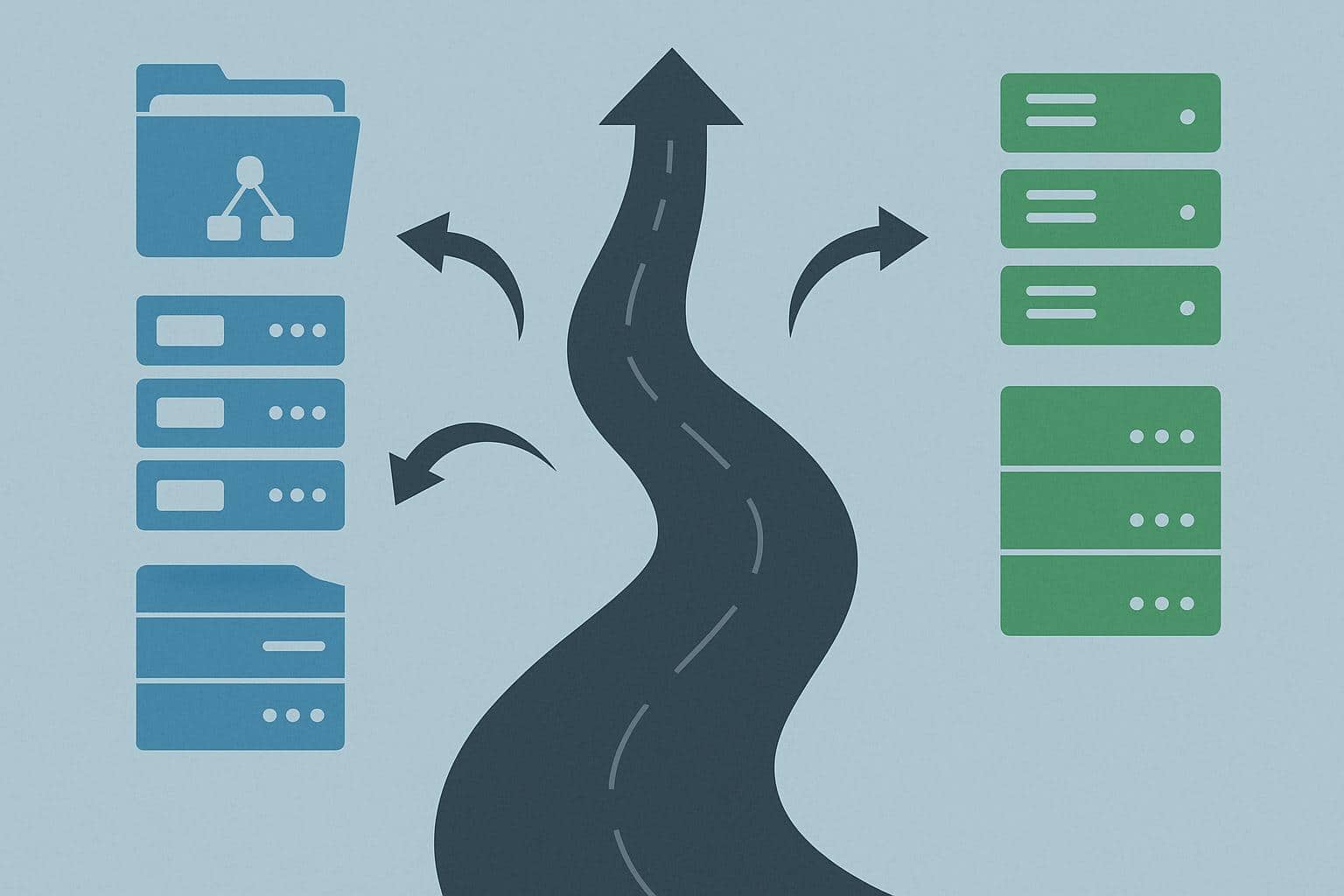
Active Directory migration affects identity, access, devices, applications, and daily operations. A careful roadmap reduces outages, preserves permissions, and gives technical teams clear recovery points. Success depends on preparation before moving any accounts. It also requires precise records, controlled testing, user communication, and defined rollback actions. With those safeguards in place, organizations can change directory services while maintaining their essential operations.
Identify the Need
Before any project begins, teams should review why they need to migrate. Mergers, aging servers, policy gaps, or cloud adoption are often valid reasons. A useful plan shows how to migrate Active Directory safely by mapping dependencies, sequencing tasks, checking permissions, and preparing recovery options. That guidance helps others compare local conditions with proven migration practices without treating one checklist as universal.
Build an Inventory
First, build a complete inventory of domains, trusts, users, groups, computers, service accounts, applications, file shares, scripts, certificates, and scheduled tasks. Record owners, business purpose, dependencies, privilege levels, and recovery contacts. Discovery tools can reveal inactive objects, duplicate names, stale permissions, and hidden connections. Manual review remains necessary because automated results may miss undocumented workflows. Assign each item a migration wave, responsible lead, validation test, and rollback method before movement begins.
Define the Destination
Next, define the destination structure before moving objects. Set naming rules, organizational units, delegation boundaries, password standards, audit settings, and administrative roles. Keep the model simple enough for daily support, yet precise enough to separate high-value accounts and sensitive services. Review replication paths, time sources, domain controllers, and network routes. Capacity planning should cover expected growth, backup storage, monitoring, and emergency access. Written design decisions prevent rushed changes during later waves and cutover work.
Clean Security Gaps
Start security checks with the source directory. Remove unused accounts, correct excessive privileges, rotate exposed data, patch unsupported servers, and investigate suspicious changes. Confirm that backup copies are complete, isolated, and restorable before starting the Active Directory migration. Apply strict access controls to administrators and service identities. Record every exception, approval, and test result. A clean starting state limits inherited risk in the new directory and provides reliable evidence if an incident occurs later on.
Run a Pilot
Use a pilot wave with representative users, devices, groups, and applications. Include several job roles, remote locations, complex permissions, and common support scenarios. Test sign-in, file access, printing, scripts, certificates, and line of business software. Capture timing, failures, help desk questions, and recovery steps. Fix defects before expanding scope. A pilot exposes weak assumptions at limited cost, while user feedback improves instructions for wider adoption. Keep results in a shared decision log throughout.
Move Objects Carefully
During each wave, migrate users, groups, computers, and service accounts in a controlled order. Preserve identifiers, permissions, group memberships, profiles, and assigned resources. After every batch, confirm name resolution, authentication, trust paths, and administrative access. Use temporary coexistence where older systems need source records. Track exceptions with an owner and due date. Avoid broad changes during active migration windows, because unrelated edits can blur causality and delay diagnosis. Close each wave only after checking concrete evidence.
Validate Applications
Application validation requires more than a successful sign-in. Check databases, file shares, scheduled jobs, APIs, certificates, batch scripts, and vendor integrations. Ask owners to confirm normal transactions using real work patterns in a safe test setting. Compare permissions before and after migration. Monitor errors, latency, failed jobs, and unexpected prompts. Document fixes beside each system record. This evidence supports a go or no-go decision and reduces surprises when users return to regular operations.
Control Cutover
Prepare the cutover with a dated schedule, named owners, contact channels, and stop conditions. Tell users what changes, when access may pause, and where support is available. Freeze nonessential directory edits before the final move. Take verified backups, confirm monitoring, and keep source services ready for rollback. After transfer, test priority accounts, critical applications, remote access, and recovery procedures. A thorough observation period here helps teams catch faults before retiring infrastructure. Record learnings while the details are still fresh.
Conclusion
Successful Active Directory migration is a controlled change, not a single weekend event. Clear inventory, sound architecture, security cleanup, pilot testing, staged movement, and firm rollback planning reduce exposure. Teams should measure results through sign-in health, application performance, support volume, permission accuracy, and recovery readiness. Leaders can then approve each next step using evidence instead of urgency. This roadmap keeps people informed, protects essential services, and creates a record for directory changes.