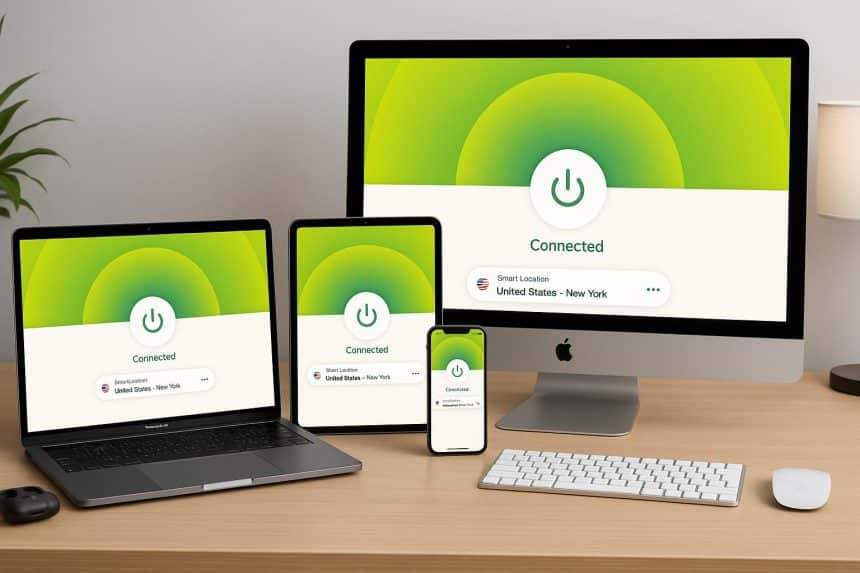
A typical Apple household runs six or seven connected devices. Most VPN subscriptions were never priced for that, and the limits only surface at the worst moment
Count the screens before anything else
Start with the inventory. An iPhone, an iPad, a MacBook, possibly a Mac mini under the desk, an Apple TV in the living room and a second one in a bedroom, a Watch that piggybacks on the phone, a HomePod or two. Add a partner’s devices and the count passes ten without anyone feeling extravagant about it.
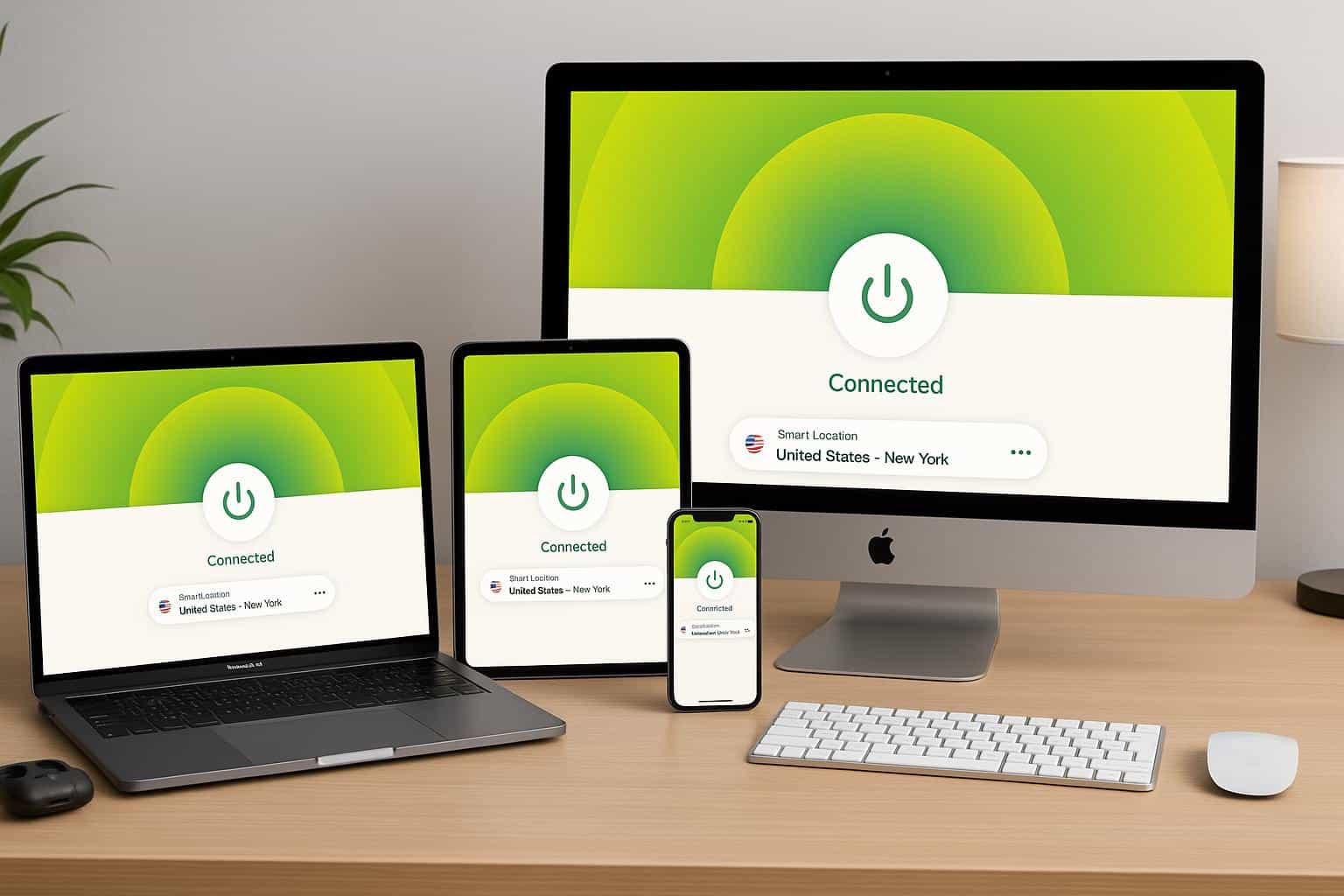
That number is the whole argument. Simultaneous connections are where multi-device households run into a wall, and the allowance now varies by plan tier: ten devices on Basic, twelve on Advanced, fourteen on Pro. Older writeups still quote a five-device or eight-device cap, which was accurate two subscription cycles ago and is not accurate now. Gizmodo tracks the paid services on an ongoing basis, and its assessment of how ExpressVPN performs against the rest of the field is a reasonable place to check tier pricing against the device count before committing to a twelve-month term.
One purchasing detail that catches Apple users specifically: subscriptions bought through the App Store fall under Apple’s refund process rather than the provider’s own money-back window. Family Sharing does not extend a VPN subscription to other Apple IDs either. The connection allowance is shared through the account credentials, not through Apple’s sharing framework.
tvOS 17 changed the math
For most of the Apple TV’s life, running a VPN on it meant not running a VPN on it.
The options were smart DNS, which redirects lookups without encrypting anything, or configuring the tunnel at the router and accepting that every device in the house went through it. Neither was satisfying. tvOS 17, released in September 2023, was the first version to permit third-party VPN apps on the box directly. Every Apple TV 4K model can install one from the App Store. Apple TV HD units can as well, provided they were updated to tvOS 17 or later, which plenty were not.
Worth knowing before installing: split tunneling does not exist on tvOS. Apple’s sandbox rules stop tvOS apps from routing individual streams differently, so switching the VPN on pushes every app on the device through the tunnel, including the ones that will notice.
What Sequoia taught Mac owners
macOS 15 arrived on September 16, 2024, and broke networking for a long list of VPN and endpoint security tools within days. BleepingComputer documented connection failures across multiple vendors, and CrowdStrike went as far as advising customers not to upgrade at all.
Apple’s 15.0.1 release notes stated that the update improved compatibility with third-party security software. It did not fix everything. A thread on Apple’s own developer forums traced a Messages regression that appeared between 15.0 and 15.0.1, where the app stopped sending while a transparent app proxy or VPN was connected. An Apple engineer confirmed the regression was worth filing, and the behaviour cleared in the 15.1 release candidate.
The lesson has nothing to do with which provider anyone picks. On macOS, a VPN client is a system extension, and system extensions break when the operating system shifts underneath them. Anyone who depends on the tunnel for work should let a point release or two pass before updating.
Connect On Demand is the setting almost nobody turns on
The iPhone is where coverage quietly fails. Walk out of a cafe, the phone drops Wi-Fi and picks up cellular, and there is a gap of a second or two before the tunnel re-establishes. Short enough to ignore. Long enough for a background app to fire off a request in the clear.
iOS handles this through on-demand rules, which instruct the system to bring the connection back automatically whenever the network interface changes. Network Lock, the kill switch, closes the same gap from the other direction by blocking traffic outright until the tunnel returns. Two separate mechanisms, and both sit off by default on most installations.
The protocol matters less than people assume, though Lightway is the one doing the work here, and the Mac client applies post-quantum encryption by default rather than as an advanced toggle.
The Vision Pro is borrowing someone else’s app
There is no visionOS build. What exists instead, according to Apple’s developer documentation, is a compatibility path: iPhone and iPad apps run natively on Vision Pro using the same frameworks, resources and runtime environment they use on iOS. The iPad client installs and functions.
It also looks like an iPad app suspended in a room. For hardware at that price, the mismatch grates. The alternative is covering the headset at the router and never opening the app at all.
The devices that will never get an app
HomePod. HomeKit cameras. The Apple TV HD in a spare room that never made it past tvOS 16. Whatever accessory Apple ships next with no user-facing App Store attached to it.
Router-level coverage handles all of them at once and consumes a single slot against the plan limit, which is the arbitrage most households overlook. ExpressVPN sells its own hardware for this, though a router running compatible firmware gets to the same place for less.
The more interesting question is where Apple goes from here. Every product it adds below the threshold of a full operating system, every accessory that talks to iCloud without a settings screen of its own, pushes the decision further from the app and closer to the network the house runs on. The subscription tier stops being about how many screens exist and starts being about how many of them can speak for themselves.