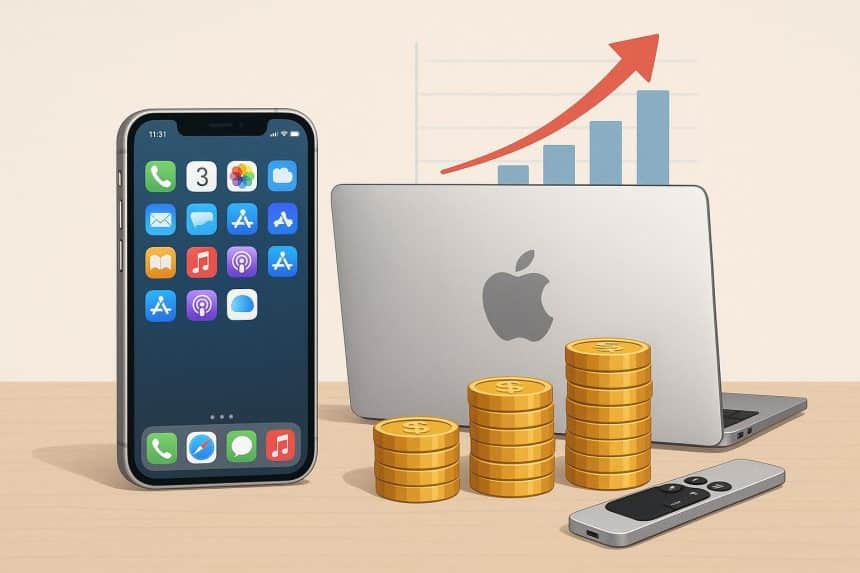
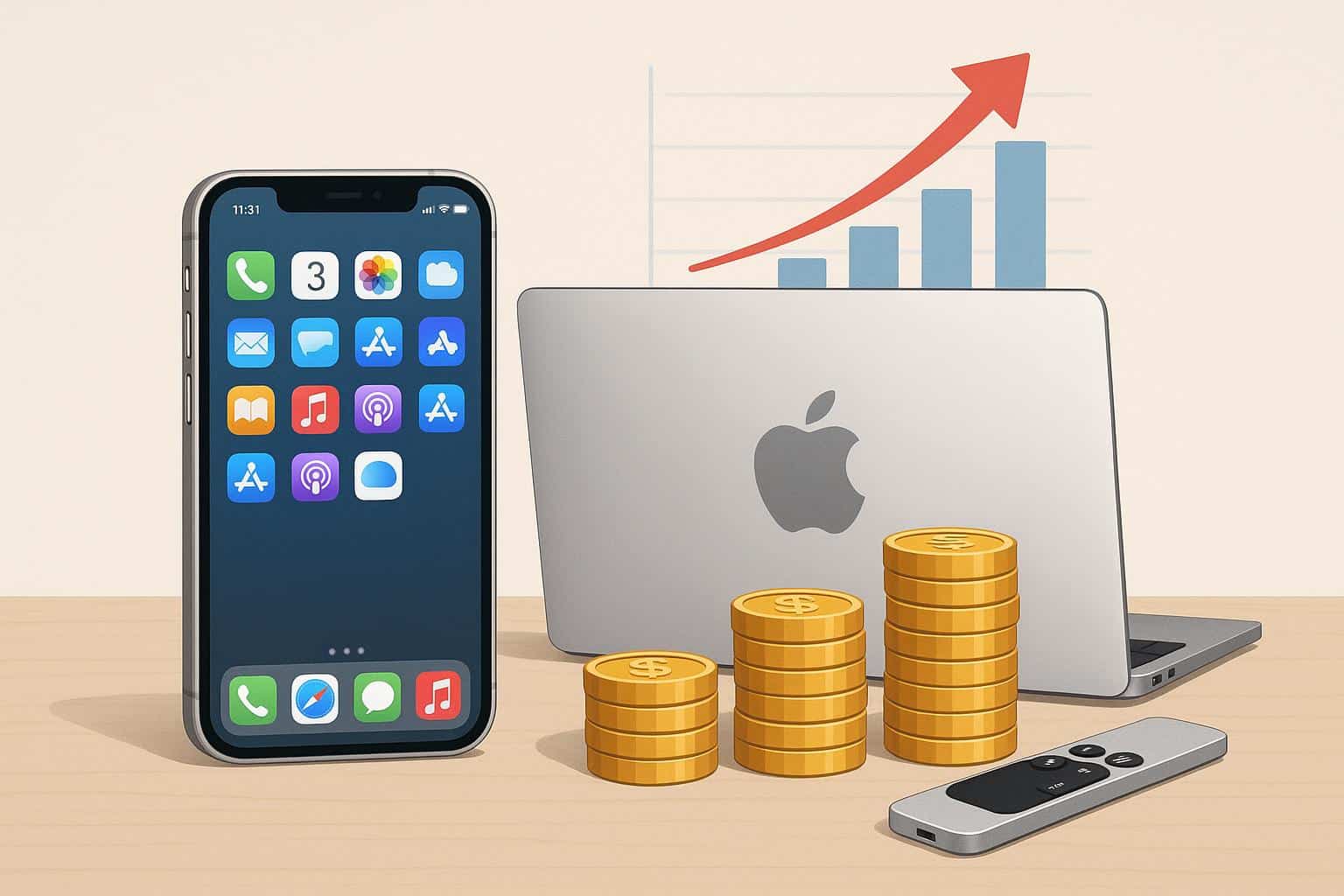
It often begins with an upgrade that feels justified: a new phone to fix a slow battery, a tablet for study, or a laptop that finally gave up. Then iCloud storage gets nudged up “just to be safe,” a couple of App Store subscriptions get added, and family add-ons quietly round out the month. Nothing feels extravagant in the moment – and that’s rather the point. In July 2026, Apple raised Apple Music’s individual plan from $10.99 to $11.99, its first price increase in almost four years, and pushed the family plan up to $19.99, with the family tier of Apple One climbing to $27.95 and Premier to $39.95. For some people, the same ecosystem that makes it easy to tap through another subscription also makes it easy to set small, intentional goals-like deciding ahead of time to buy link as a tiny, capped experiment in long-term investing rather than another unplanned purchase.
That’s the tricky part of the Apple ecosystem: one-click buying and auto-renewals make spending easy to approve and hard to remember. Recurring charges blend into the background, and small add-ons stack across devices and people. App Store subscriptions, iCloud tiers, and media services rarely announce themselves as a “budget category,” so they grow quietly until a statement looks heavier than expected.
What the reader will be able to do
This guide helps readers map their Apple cost stack, cut recurring waste, and set simple guardrails for upgrades and family purchases. The approach is pro-convenience but pro-clarity – keep the smooth experience, while improving visibility through one cap, three buckets, and a light review routine.
The Apple cost stack: what people actually pay for
One-time costs: devices and accessories
Apple spending isn’t just the device. A phone, tablet, laptop, or watch usually pulls a trail of extras behind it – cases, chargers, adapters, keyboards, repair tools. That’s the real total cost of ownership. Device lifecycle cost improves when accessories are planned deliberately rather than bought in a panic. List likely accessories at purchase time, then decide what’s essential now versus what can wait.
Recurring costs: storage, services, and third-party subscriptions
Recurring spend is where the silent drain typically lives, and it’s grown more expensive this year specifically. Beyond the Music and Apple One hikes, Apple raised iCloud+ prices in eight countries – Japan’s plans rose 20%, and Nigeria’s 50GB tier jumped 44% – while leaving US iCloud+ pricing untouched, at least for now. iCloud upgrades, media services, and App Store subscriptions multiply across household members, and renewals often land on different days. A practical step: list every renewal and its billing date, including annual plans, so charges stop hiding in plain sight.
Occasional costs: repairs, replacements, and upgrades
Repairs and maintenance are the middle path many people skip entirely. Battery replacement and basic repairs can be cheaper than replacing a device outright, and they often restore enough reliability to delay an upgrade by a year or more. Planning matters here – unplanned replacements are where overspending happens, especially given that Apple has also raised hardware prices across Macs, iPads, and iPhones (in Japan) this year.
2025-2026 context: subscriptions and refurbished growth
Apple’s July 2026 round of hikes wasn’t isolated – it followed Mac and iPad price increases the month before, suggesting a broader repricing across the ecosystem rather than a one-off adjustment. AppleInsider’s analysis found that even after the hikes, Apple One Family still saves subscribers around $15 a month compared to buying services separately, and Premier saves roughly $33 – so the bundle math still generally favors consolidation, even at the new prices. Refurbished device demand has grown alongside this pressure too, as consumers increasingly look for lower depreciation and better value against a backdrop of rising new-device prices
The core framework: one cap, three buckets, one cadence
One cap: decide what the Apple ecosystem is allowed to cost monthly
A single monthly cap forces tradeoffs, which is exactly what prevents stacking. Without a cap, it’s easy to add one more subscription, approve one more in-app purchase, and justify one more storage bump because each decision feels small on its own. Base the cap on the last 60-90 days of Apple-related spending, then set a limit that feels workable, not imaginary.
Three buckets: essentials, enjoyment, experiments
Buckets reduce rationalisation because they make purpose visible. Essentials cover work and school tools, backups, and security. Enjoyment includes music, video, games, and entertainment subscriptions that make life better but aren’t required. Experiments are trials and short-term tests that are useful sometimes, expensive when left running indefinitely.
This structure simplifies decisions in a busy week – essentials get protected, enjoyment stays inside the cap, experiments stop quietly becoming permanent. It also makes family conversations easier, because the disagreement often isn’t about an app, it’s about which bucket it belongs in.
One cadence: weekly check plus quarterly audit
A weekly 10-minute check prevents drift, and a quarterly audit prevents renewal sprawl. Given how recently Apple’s pricing shifted across Music, Apple One, and iCloud+, this quarter is a genuinely good moment to run that audit rather than waiting.
Weekly check agenda (10 minutes): any new subscriptions added, any renewals in the next 14 days, app/gaming spend versus cap, and one action – cancel, downgrade, or plan a purchase.
Devices: buy, keep, and upgrade more wisely
Upgrade planning: avoid panic replacement
Most device overspending comes from unplanned replacement – a cracked screen before travel, a battery collapse during work, a laptop failure during exams. Planning ahead reduces both cost and stress. Set a target replacement window for each device type and keep a backup plan for failures, such as a repair-first option or a short-term workaround.
Extend lifespan: maintenance habits that prevent expensive outcomes
Small habits often extend device lifespan more than minor spec upgrades ever do. Regular backups reduce the fear of repairs; storage hygiene reduces pressure to upgrade storage tiers unnecessarily, which matters more given the newer, higher iCloud+ pricing abroad. Battery health attention and timely service restore day-to-day reliability without a full replacement.
Refurbished vs new and resale timing
Refurbished devices reduce depreciation pain, especially for users who don’t need the latest features. The process matters more than the label – verify condition, check what’s included, keep documentation. Resale timing affects total cost too: selling an old device while it still holds value, rather than after it becomes a drawer item, reduces the next upgrade’s cost.
Financing and instalments: guardrails to prevent stacking commitments
Instalments can be fine when tracked like a bill and kept inside the ecosystem cap. The risk is stacking – paying for a device in instalments while also adding subscriptions and storage upgrades at the same time. That’s how “manageable” quietly becomes fragile.
Before upgrading, a few questions help: Does a repair restore reliability for at least the next year? Is current performance still adequate for essential use? Is the replacement driven by need or feature desire?
Apps and subscriptions: audit, rotate, and simplify
The quarterly subscription audit, step by step
A quarterly audit is the most reliable way to stop App Store subscriptions from quietly multiplying. Pull the App Store subscription list, note the iCloud plan and any media services, then add third-party renewals billed through Apple. Include renewal dates and whether each renews monthly or annually – seeing everything in one place changes decision-making fast.
Label each service keep, rotate, or cancel. Keep means it earns its place with real use. Rotate means it can be paused and restarted seasonally. Cancel means low use or duplicate value. Easiest savings usually come from removing low-use spend first, not cutting the one service everyone actually uses daily.
Rotation strategy for entertainment services
Rotation prevents stacking. When budgets are tight, it often works better to keep one entertainment subscription active at a time and switch when interest changes – enjoyment stays in the plan, but recurring charges don’t pile up. Worth noting: 9to5Mac’s own value breakdown found Apple One Family still bundles $42.96 worth of separate services for $27.95, a real savings even post-hike, so bundling versus rotating individual apps is worth running the numbers on directly.
Trials: the rule that prevents accidental renewals
Trials are future bills in disguise. A simple rule prevents accidental renewals: no trial starts without a same-day reminder and a decision date. If the reminder isn’t set immediately, the trial doesn’t start.
Family controls: approvals, sharing, and kid-safe settings
Prevent accidental purchases with approval rules
Households reduce surprise spend with clear, predictable approval rules – what can be approved automatically, what needs a quick check-in, and what requires a conversation. This matters most for in-app purchases, where “small” add-ons get approved repeatedly without anyone noticing the total.
Fair sharing: who pays for what
Shared services need transparent rules, or resentment creeps in. A simple structure: one owner pays, one review cadence exists, and the household keeps a clear must-have list. Duplicates are common in families, especially when multiple people sign up separately – consolidating onto one Apple One plan is often the quickest win, and arguably more valuable now given the family tier still undercuts buying services separately by roughly $15 a month.
Allowances and teaching tradeoffs
A small allowance for apps and games teaches tradeoffs and reduces arguments. The lesson isn’t “no,” it’s “choose.” When the allowance is used, something else has to wait.
Payment hygiene and security: visibility without paranoia
One payment method, alerts for exceptions
Consolidating subscriptions under one payment method improves visibility and speeds up audits. Transaction alerts catch unexpected renewals or price changes quickly – genuinely useful given how many Apple prices have shifted just this year.
Account safety basics
Strong authentication and account recovery readiness reduce the risk of unauthorised spend from account takeovers. Strong unique passwords, two-factor authentication, current recovery information, and securely stored backup codes cover the essentials without needing to be elaborate.
Sample profiles: what wise Apple spending looks like
| Profile | Focus |
|---|---|
| Student or early-career | Protect essentials, rotate entertainment subscriptions, delay upgrades unless reliability genuinely fails |
| Professional power user | Invest in reliability and backups, control subscriptions tightly, plan upgrades on a schedule |
| Family household | Centralise subscriptions, set purchase approvals, run a quarterly audit consistently |
A 30-day reset plan
Week 1 – Map the cost stack and set the cap. List devices, accessories, subscriptions, and typical App Store spending, then set a monthly cap based on the last 60-90 days.
Week 2 – Run the subscription audit and cancel low-use services. Cancel, downgrade, or rotate low-use services, then update renewal dates given the recent Music, Apple One, and iCloud+ price shifts.
Week 3 – Plan device lifecycle and start an upgrade fund. Set a target replacement window, list maintenance habits, start a small upgrade fund.
Week 4 – Install family rules and security basics. Add purchase approval rules, enable alerts, tighten account security.
The takeaway
Apple users spend more wisely when they treat the ecosystem as a stack, set one cap, run quarterly subscription audits, plan device lifecycles, and use family guardrails to prevent invisible spending. Convenience can stay, but recurring charges need clarity – especially with Apple’s pricing shifting across Music, Apple One, and iCloud+ just this July. The next action is simple: run the subscription audit today and schedule the quarterly review on the calendar.